Einführung
Der traditionelle Workflow in der Webentwicklung folgt einem wiederkehrenden Muster: Du schreibst Code, speicherst die Datei, wartest, bis das Build-System ihn kompiliert, wechselst zum Browser und prüfst das Ergebnis. Mit Hot Module Replacement dauert dieser Zyklus vielleicht nur wenige Sekunden, bei langsameren Build-Tools aber auch mehrere Minuten. So oder so erzeugt die Lücke zwischen einer Änderung und dem Moment, in dem du ihre Auswirkungen siehst, Reibung, die sich über Hunderte von Iterationen hinweg summiert.
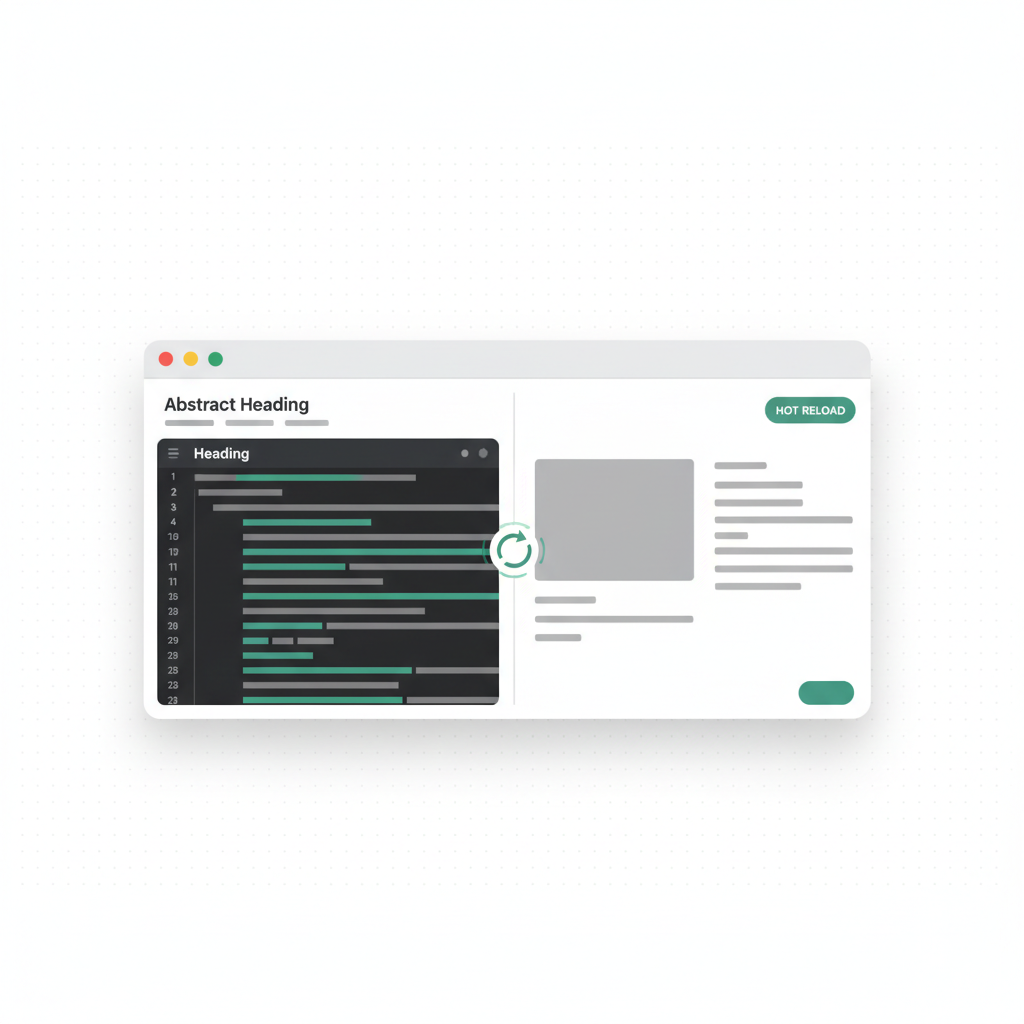
Die Echtzeitvorschau beseitigt diese Lücke. Änderungen erscheinen sofort in einer Live-Vorschau, während du sie vornimmst. So entsteht eine Feedbackschleife, die so eng ist, dass sich der Entwicklungsprozess eher wie direkte Manipulation als wie Programmieren anfühlt.
Warum die Geschwindigkeit des Feedbacks wichtig ist
Forschungen zur Kognitionswissenschaft über Flow-Zustände zeigen, dass selbst kleine Verzögerungen die Konzentration unterbrechen. Wenn du eine CSS-Änderung schreibst und drei Sekunden auf das Ergebnis wartest, reichen diese drei Sekunden aus, um dein mentales Modell von dem zu verlieren, woran du gerade arbeitest. Multiplizierst du das mit Hunderten von Änderungen pro Tag, sind die Produktivitätskosten erheblich.
Die Echtzeitvorschau hält dich in einem kontinuierlichen Flow-Zustand. Du schreibst eine Änderung, siehst sie sofort, entscheidest über die nächste Änderung, setzt sie um und siehst sie sofort. Diese enge Schleife führt zu besseren Ergebnissen, weil du immer mit dem aktuellen Zustand der Anwendung arbeitest und nicht mit einer Version, an die du dich von vor einigen Sekunden erinnerst.
So funktioniert die Echtzeitvorschau
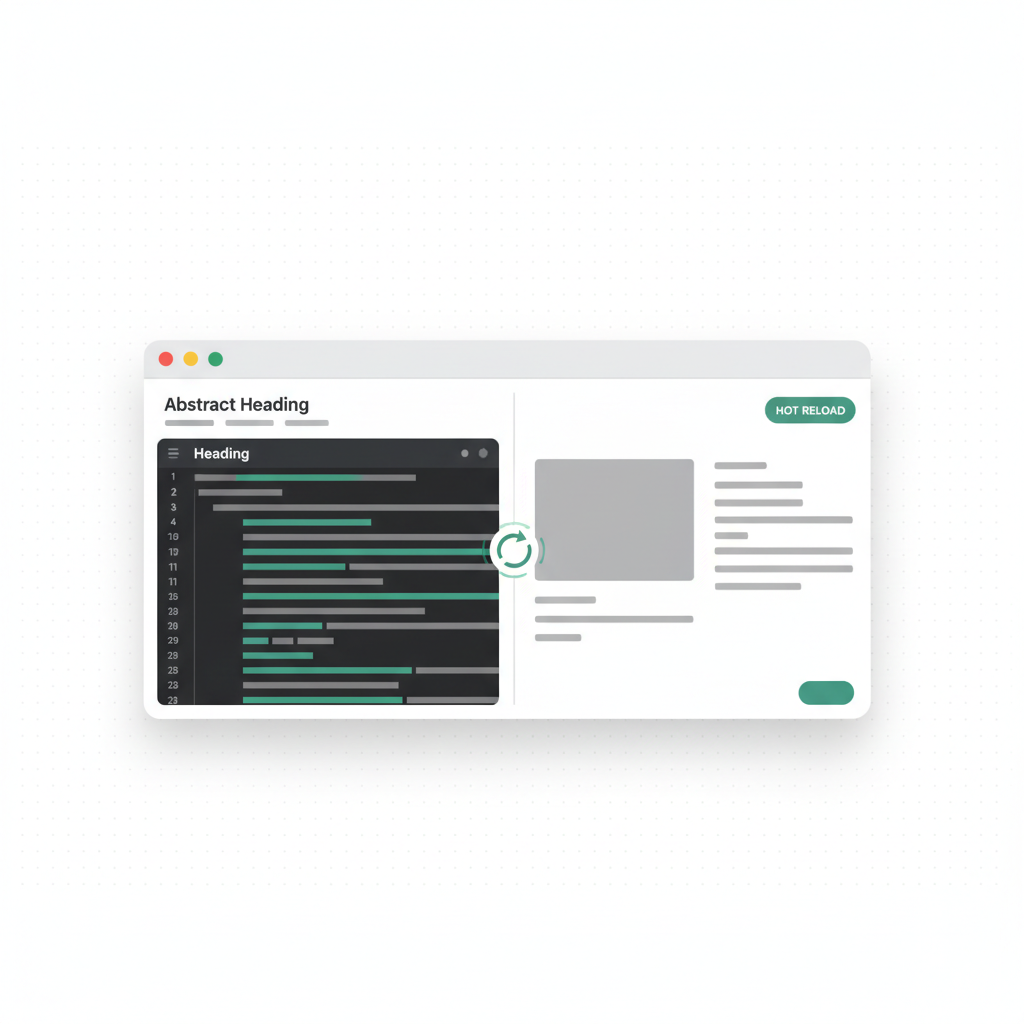
Vorschausysteme auf der Serverseite führen einen echten Vite-Entwicklungsserver aus, der Dateiänderungen überwacht und sie über Hot Module Replacement (HMR) anwendet. Wenn die AI eine Datei erstellt oder verändert, wird die Änderung an den Vorschau-Server gesendet. Dieser kompiliert das aktualisierte Modul und überträgt es über eine WebSocket-Verbindung an den Browser. Der Browser aktualisiert die laufende Anwendung, ohne die gesamte Seite neu zu laden. Dabei bleiben der Komponentenstatus, die Scrollposition und alle vom Nutzer eingegebenen Daten erhalten.
Dank dieser Architektur erscheinen Änderungen an der Farbe eines Buttons, den Abständen eines Layouts oder der Logik einer Komponente innerhalb von Millisekunden nach ihrer Anwendung in der Vorschau. Du siehst genau das, was die Nutzer sehen werden – auf dem tatsächlichen Technologie-Stack, den die Anwendung verwendet.
Der Einfluss auf Designentscheidungen
Die Echtzeitvorschau hat besonders starke Auswirkungen auf die Designarbeit. Wenn du die Wirkung einer Farbänderung, einer Anpassung der Abstände oder einer Änderung des Layouts sofort sehen kannst, triffst du bessere Designentscheidungen. Statt zu raten, wie eine Änderung aussehen wird, und dich dann darauf festzulegen, probierst du sie aus, bewertest sie visuell und passt sie an.
Das führt zu mehr Design-Exploration. Wenn jedes Experiment statt Minuten nur Sekunden dauert, probierst du mehr Varianten aus. Du vergleichst drei verschiedene Farbschemata, anstatt dich mit dem ersten zufriedenzugeben. Du testest fünf verschiedene Padding-Werte, anstatt zu raten. Das Ergebnis ist ein ausgefeilteres und bewusster gestaltetes Design.
Konversationelles Bearbeiten mit Vorschau
Die Kombination aus konversationellem Bearbeiten – du beschreibst Änderungen in natürlicher Sprache – und Echtzeitvorschau ist besonders leistungsstark. Statt des traditionellen Workflows aus Code lesen, Struktur verstehen, Änderungen vornehmen und Ergebnis prüfen wird der Ablauf zu: Du beschreibst die Änderung, siehst sie erscheinen und beschreibst die nächste Änderung.
Dieser Workflow ist auch für Nichtentwickler zugänglich, weil du dafür weder Code lesen noch schreiben musst. Ein Product Manager kann sagen: „Mach den Header sticky“, und das Ergebnis sofort sehen. Eine Designerin kann sagen: „Erhöhe den border-radius auf 12px“, und die visuelle Wirkung in Echtzeit beurteilen.
Auswirkungen auf die Iterationsgeschwindigkeit
Teams, die eine Echtzeitvorschau verwenden, berichten durchgehend von deutlichen Verbesserungen ihrer Iterationsgeschwindigkeit:
- Designanpassungen, die 30 Minuten dauerten (Code-Build-Kontrollzyklen), dauern mit einer Live-Vorschau 3 Minuten
- Die Überprüfung von Features findet während der Entwicklung statt und nicht in einem separaten QA-Schritt
- Das Testen responsiver Designs erfolgt sofort – passe die Größe der Vorschau an und sieh, wie sich das Layout anpasst
- Fehler werden schneller erkannt, weil Probleme sichtbar werden, sobald sie eingeführt werden
- Stakeholder-Reviews können während der Bearbeitungssitzung und nicht erst nach dem Deployment stattfinden
Best Practices für vorschaugetriebene Entwicklung
- Halte die Vorschau sichtbar: Arbeite auf der einen Seite mit dem Code/Prompt und auf der anderen mit der Vorschau
- Teste das responsive Verhalten früh: Prüfe mobile Layouts und Tablet-Layouts während der Entwicklung und nicht erst danach
- Nutze die Vorschau zur Überprüfung von Edge Cases: Teste mit leeren Zuständen, langen Texten und vielen Elementen
- Teile die Vorschau-URL: Lass Stakeholder den Fortschritt in Echtzeit sehen, anstatt auf Deployments zu warten
- Vertraue der Vorschau: Was du in der Vorschau siehst, werden die Nutzer nach dem Deployment sehen
Fazit
Die Echtzeitvorschau ist nicht nur eine praktische Funktion – sie ist eine grundlegende Verbesserung des Entwicklungsworkflows. Indem sie die Verzögerung zwischen einer Änderung und dem Moment, in dem du ihre Auswirkungen siehst, beseitigt, beschleunigt sie die Iteration, verbessert die Designqualität und macht Entwicklung für eine größere Bandbreite von Teammitgliedern zugänglich.
Entwickler und Teams, die mit Echtzeit-Feedbackschleifen arbeiten, bringen schneller bessere Produkte auf den Markt. Die Lücke zwischen Absicht und Ergebnis verschwindet, und das Erstellen wird zu einem kreativen Prozess statt zu einer technischen Pflichtaufgabe.