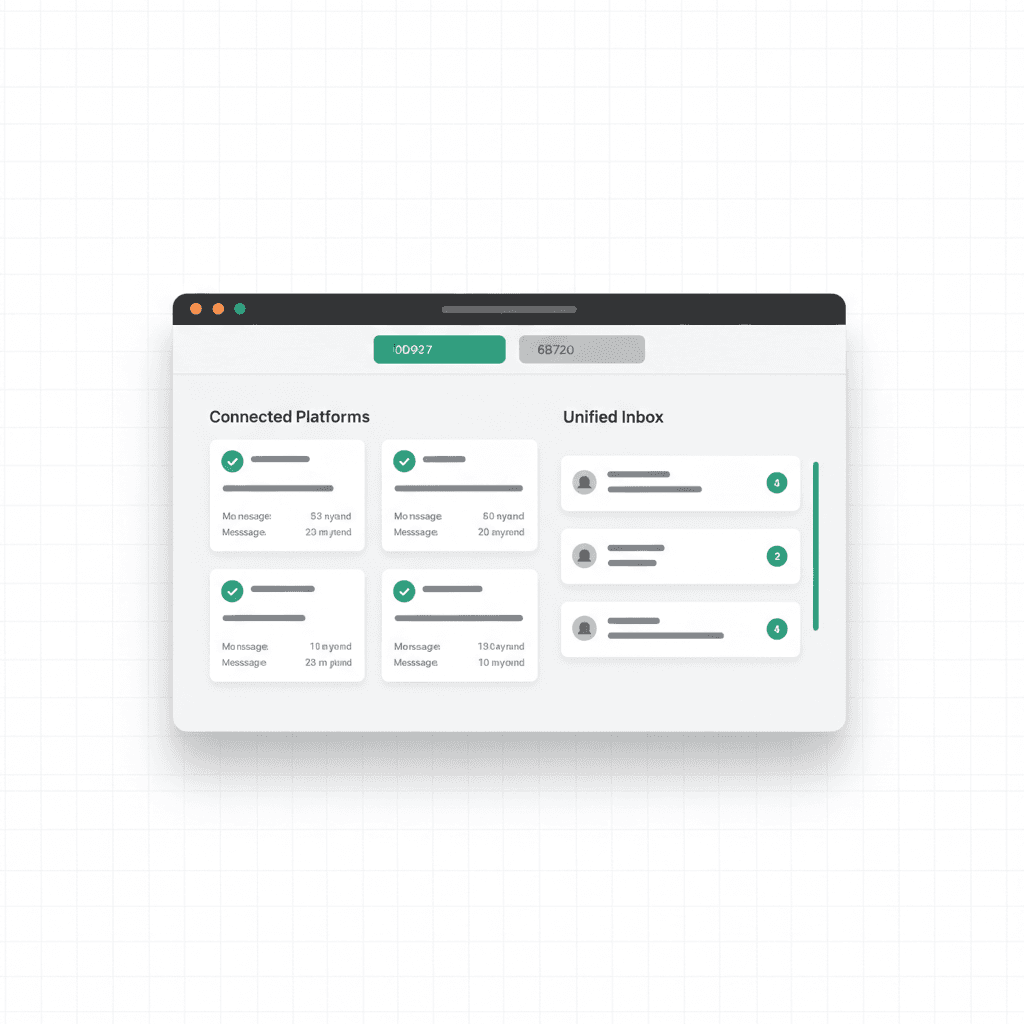
One Codebase, Six Platforms
Building a chat bot for one platform is straightforward. Building for six is a maintenance nightmare — unless you have the right architecture.
VULK's Chat SDK provides a unified interface for building AI-powered bots across Telegram, Discord, WhatsApp, Slack, Microsoft Teams, and WeChat. Write your bot logic once, deploy it everywhere.
The Architecture
The Chat SDK is built on a simple but powerful abstraction:
Incoming Message (any platform)
    ↓
Platform Adapter (normalizes format)
    ↓
VulkMessage (unified interface)
    ↓
Chat Engine (processes, routes to AI)
    ↓
VulkResponse (unified response)
    ↓
Platform Adapter (formats for platform)
    ↓
Outgoing Message (native format)
Every platform has its own message format, media handling, and interaction patterns. The adapter layer handles all of that, so your bot logic only deals with VulkMessage and VulkResponse objects.
Platform-Specific Features
While the SDK unifies the core experience, it also exposes platform-native features when you need them:
Telegram:
- MarkdownV2 rich text formatting
- Inline keyboards with callback data
- Photo and document sending
- Reply threading
Discord:
- Rich embeds with colors and fields
- Action rows with buttons
- Slash commands (/build, /status, /help, /link)
- Channel-specific message processing
Slack:
- Block Kit message formatting
- Interactive components
- Thread replies
- App Home tab
WhatsApp:
- Template messages for notifications
- Quick reply buttons
- Media messages (images, documents)
- Business API integration
Building a Bot in 5 Minutes
Here's what a basic VULK bot looks like:
- Create a bot on your target platform (e.g., @BotFather on Telegram)
- Add the webhook URL from VULK's Chat SDK endpoint
- Configure the bot in your VULK dashboard — select the AI model, set system prompts
- Link to a project — the bot can generate, edit, and deploy apps via chat
The bot immediately responds to messages, processes commands, and can trigger VULK's full generation pipeline from within the chat.
The Chat Engine
At the heart of every bot is the Chat Engine — a shared processing layer that:
- Resolves users across platforms (same VULK account, different chat platforms)
- Manages conversations with context persistence
- Routes to AI with the right model and system prompt
- Handles commands (/build, /status, /help, /link, /deploy)
- Tracks usage for billing and analytics
The Chat Engine is stateless per request but maintains conversation history in the database, so your bot remembers context across messages.
Real-World Use Cases
Customer Support Bot: Deploy a bot that answers questions about your VULK-built app, using your app's documentation as context.
Development Assistant: Use the /build command in Discord to kick off a new VULK project directly from your team's dev channel.
Status Monitor: Get deployment notifications, error alerts, and build status updates in your Slack workspace.
Rapid Prototyping: Describe an app idea in Telegram and get a working preview link back in seconds.
Security and User Linking
Bots authenticate users by linking their platform account to their VULK account. The /link command generates a secure one-time token that connects the chat identity to the VULK user profile.
Once linked:
- All generations use the user's plan and credits
- Project access respects existing permissions
- BYOM keys are used if configured
Getting Started
The Chat SDK is available now. Set up your first bot in the VULK dashboard under Settings → Integrations → Chat Bots. Select your platform, paste your bot token, and you're live.
Documentation: support.vulk.dev/chat-sdk
Published by João Castro · 8 min read