Introduction
Deployment used to be the most anxiety-inducing moment in software development. Configuring servers, setting up reverse proxies, managing SSL certificates, coordinating database migrations, and hoping nothing breaks in production -- these steps consumed hours and required specialized DevOps knowledge. One-click deployment eliminates this entire category of work.
Understanding what happens behind the scenes when you click "publish" helps you appreciate the complexity that is being handled for you and make better decisions about how to manage your deployed applications.
What Happens When You Click Publish
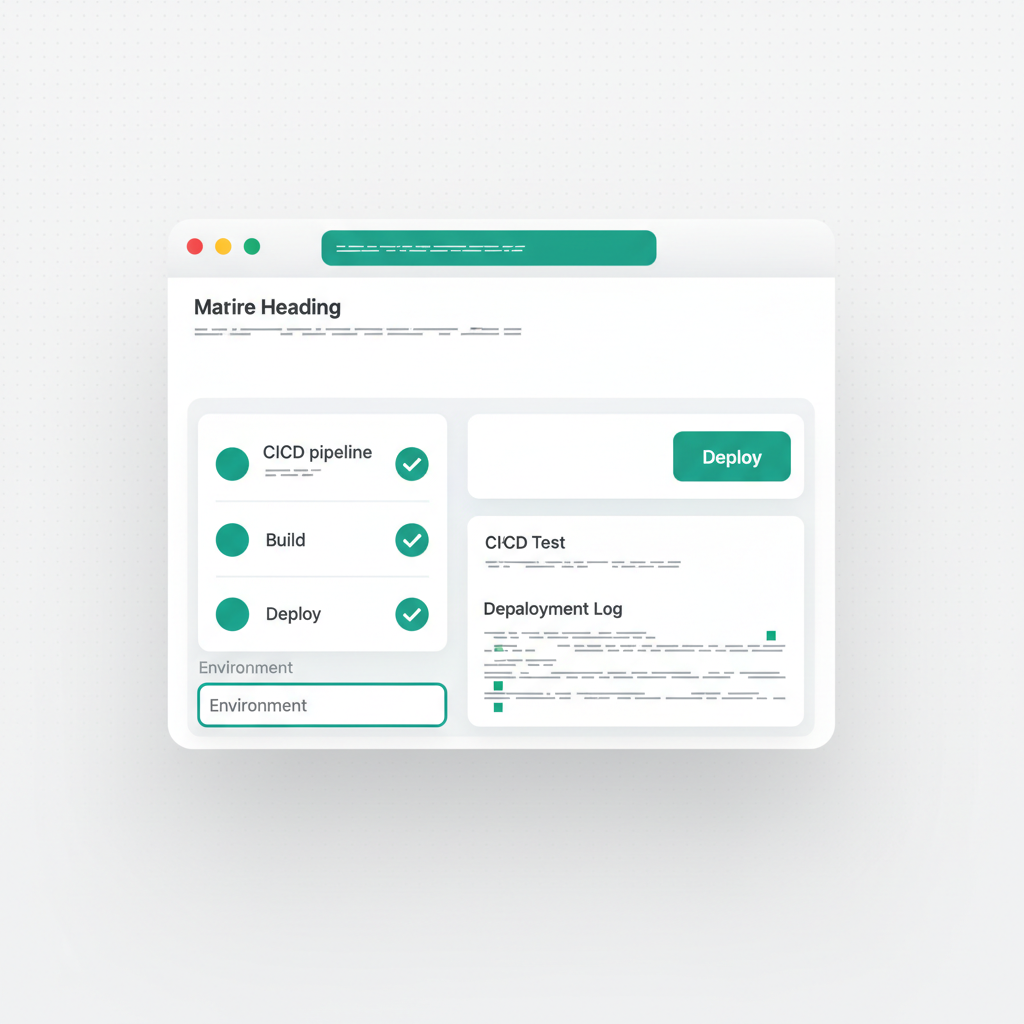
The deployment process involves several coordinated steps that happen in seconds. First, the application code is bundled -- React components, styles, assets, and configuration files are compiled into optimized static files. This is the same build process that tools like Vite or Webpack perform, but it happens automatically without any manual configuration.
Next, the bundled files are uploaded to a content delivery network (CDN). Platforms like Cloudflare Pages distribute your files across data centers worldwide, so users in Tokyo, London, and Sao Paulo all load the application from a server near them. This geographic distribution is what makes deployed applications feel fast regardless of where the user is located.
If the application has a backend, the database schema is provisioned and the API endpoints are deployed alongside the frontend. The frontend is configured to communicate with the backend automatically, so there is no manual wiring of environment variables or API URLs.
Finally, SSL certificates are provisioned automatically. Every deployed application gets HTTPS by default, which is both a security requirement and a trust signal for users.
Custom Subdomains
Deployed applications receive a URL that users can access immediately. Free-tier deployments typically get a random or generated subdomain. Paid plans allow custom subdomains that reinforce your brand -- myapp.vulk.host instead of vulk-random-string.pages.dev.
Custom subdomains matter for professional presentations, client deliverables, and any scenario where the URL itself communicates credibility. A clean, branded URL makes the difference between "here is a prototype" and "here is a product."
Redeployment and Updates
One-click deployment is not a one-time event. Every time you make changes and click publish again, the updated version replaces the previous one seamlessly. There is no downtime during redeployment -- the CDN atomically swaps the old version for the new one, so users never see a broken intermediate state.
This zero-downtime redeployment encourages frequent updates. Instead of batching changes into large, risky releases, you can deploy small improvements multiple times per day. Each deployment is low-risk because the change set is small and easy to understand.
Backend Deployment
Deploying applications with backends is more complex than static frontend deployment because databases require persistent storage and API servers need to handle concurrent requests. One-click deployment handles this by provisioning the database server, running schema migrations, starting the API process, and connecting the frontend to the backend endpoints automatically.
The result is that a full-stack application -- frontend, API, and database -- goes from code to production with the same single click that deploys a static landing page.

Best Practices
- Deploy early: Share a live URL as soon as possible to collect real feedback
- Deploy often: Small, frequent deployments are safer than large, infrequent ones
- Test before publishing: Use the preview to verify changes before they go live
- Use custom subdomains: Professional URLs build credibility with users and stakeholders
- Keep deployment logs: Track what changed in each deployment for debugging
- Export backups: Maintain a local copy of your code in case you need to migrate later
Common Deployment Patterns
Different projects benefit from different deployment strategies:
- Prototypes: Deploy once for feedback, then iterate and redeploy
- Client projects: Deploy to a custom subdomain for professional presentations
- MVPs: Deploy early for user testing, redeploy daily as you iterate
- Internal tools: Deploy and share the URL with your team for immediate use
- Production applications: Deploy with careful testing, using preview to verify before going live
Conclusion
One-click deployment removes one of the most significant barriers in software development. The infrastructure complexity that used to require dedicated DevOps teams is now handled automatically, letting builders focus on what they actually want to build.
The applications that get used are the ones that get deployed. Making deployment effortless means more ideas become real products, more prototypes become validated concepts, and more builders ship their work to the world.
Published by João Castro · 6 min read