2026年7月18日更新——ブラウザゲーム生成とAI支援3Dワークフローに関する最新プラットフォームデータで刷新。
Three.jsとは何か、なぜブラウザゲームに重要なのか?
Three.jsは最も広く使われているJavaScript 3Dライブラリです。生のWebGLの複雑さを、シーングラフ、カメラ、ライティング、マテリアル、レンダリングを扱う開発者フレンドリーなAPIに抽象化します——生のWebGLなら数千行が必要なゲームが、Three.jsなら数百行で済みます。cannon-esのような物理エンジンと組み合わせれば、製品コンフィギュレーターから本格的なブラウザゲームまで、プラグインもインストールも不要であらゆるモダンブラウザで動くインタラクティブな3D体験を実現します。
これらの中核概念の理解は、Three.jsを手書きする場合でも、AI生成のゲームコードを扱う場合でも重要です。ゲームとインタラクティブ体験はVULKで全プロジェクトの5.4%を占める生成アプリカテゴリ第2位であり、プラットフォームは3DまたはWebGLに言及する2,438件のユーザーリクエストを記録しています(VULKプラットフォームデータ、2026年7月、N = 11,355プロジェクト)——つまり多くの人が、ゼロから書いていないThree.jsコードを読み、修正しているのです。本ガイドは、それを自信を持って行うためのメンタルモデルを提供します。
Three.jsアプリケーションの中核となる構成要素は?
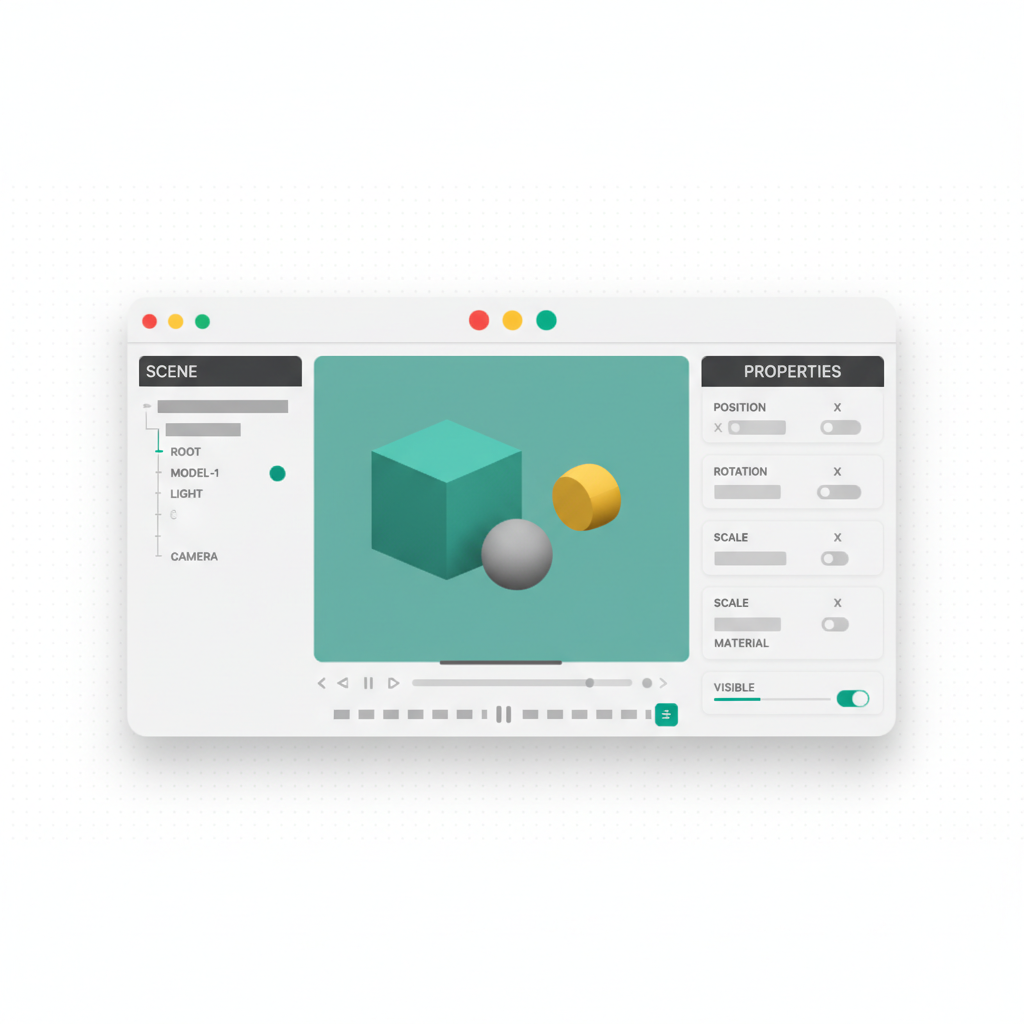
すべてのThree.jsアプリケーションは、3つの基本オブジェクトと、それらを結ぶループの上に構築されます:
| 概念 | 役割 | 重要な詳細 |
|---|---|---|
| Scene | すべての3Dオブジェクト、ライト、エフェクトのコンテナ | シーングラフのルート |
| Camera | シーンを観察する視点 | ゲームでは通常PerspectiveCamera |
| Renderer | シーン + カメラを<canvas>に描画 |
内部はWebGL |
| レンダーループ | 毎秒約60回実行 | 位置と物理を更新し、レンダリング |
| Mesh | 目に見えるオブジェクト | Geometry(形状)+ Material(外観) |
| ライト | マテリアルを可視化し、シーンをリアルにする | Ambient、directional、point、spot、hemisphere |
レンダーループはすべてのThree.jsアプリケーションの心臓です:オブジェクトの位置を更新し、物理計算を適用し、レンダラーに現在のフレームの描画を指示します。これを効率的に保つことがスムーズなパフォーマンスの鍵です。
メッシュ、マテリアル、ジオメトリはどう機能する?
Three.jsで目に見えるオブジェクトはMeshと呼ばれ、各MeshはGeometry(形状)とMaterial(外観)の組み合わせです。Geometryは3D形状を構成する頂点、面、法線を定義します。Materialは光がその形状とどう相互作用するか——色、反射率、粗さ、透明度——を定義します。
Three.jsは、ライティングを無視する基本マテリアル(MeshBasicMaterial)と、リアルな光の相互作用をシミュレートする物理ベースレンダリング(PBR)マテリアル(MeshStandardMaterial、MeshPhysicalMaterial)の両方を提供します。PBRマテリアルはmetalnessとroughnessのマップを使い、ヘアライン加工の金属、風化したコンクリート、磨かれたガラスのような説得力ある表面を作ります。
Three.jsのライティングはどう機能する?
ライティングこそが3Dシーンをリアルに感じさせるものです。Three.jsには複数のライトタイプがあります:ベース照明のAmbientLight、太陽のような平行光線のDirectionalLight、電球のような全方向光源のPointLight、集中ビームのSpotLight、屋外の空と地面の色をブレンドするHemisphereLight。ほとんどのシーンはambientとdirectionalの組み合わせをベースに、特定のエフェクトにpointライトやspotライトを使います。
影はさらなるリアリズムを加えますが、パフォーマンスコストを伴います。影を落とすライトごとに追加のレンダーパスが必要です。ブラウザゲームでは、影を落とすライトをdirectional 1〜2灯に制限するのが一般的な最適化です。
cannon-esで物理をどう追加する?
Three.jsはレンダリングを担いますが、物理はシミュレートしません。リアルな動き、衝突、重力のために、ほとんどのブラウザゲームはThree.jsをcannon-es(cannon.jsのメンテナンスされたフォーク)と組み合わせます。物理エンジンは独自のシミュレーションループを実行し、毎フレーム、物理ボディの位置をThree.jsメッシュの位置に同期させます。
cannon-esの主要概念には、Bodies(質量と形状を持つオブジェクト)、Shapes(球、ボックス、円柱、凸包)、World(重力と衝突検出を持つシミュレーションコンテナ)があります。車両物理には、サスペンション、ステアリング、タイヤの摩擦をシミュレートするRaycastVehicleクラスが用意されています。
3Dモデルはどう読み込む?
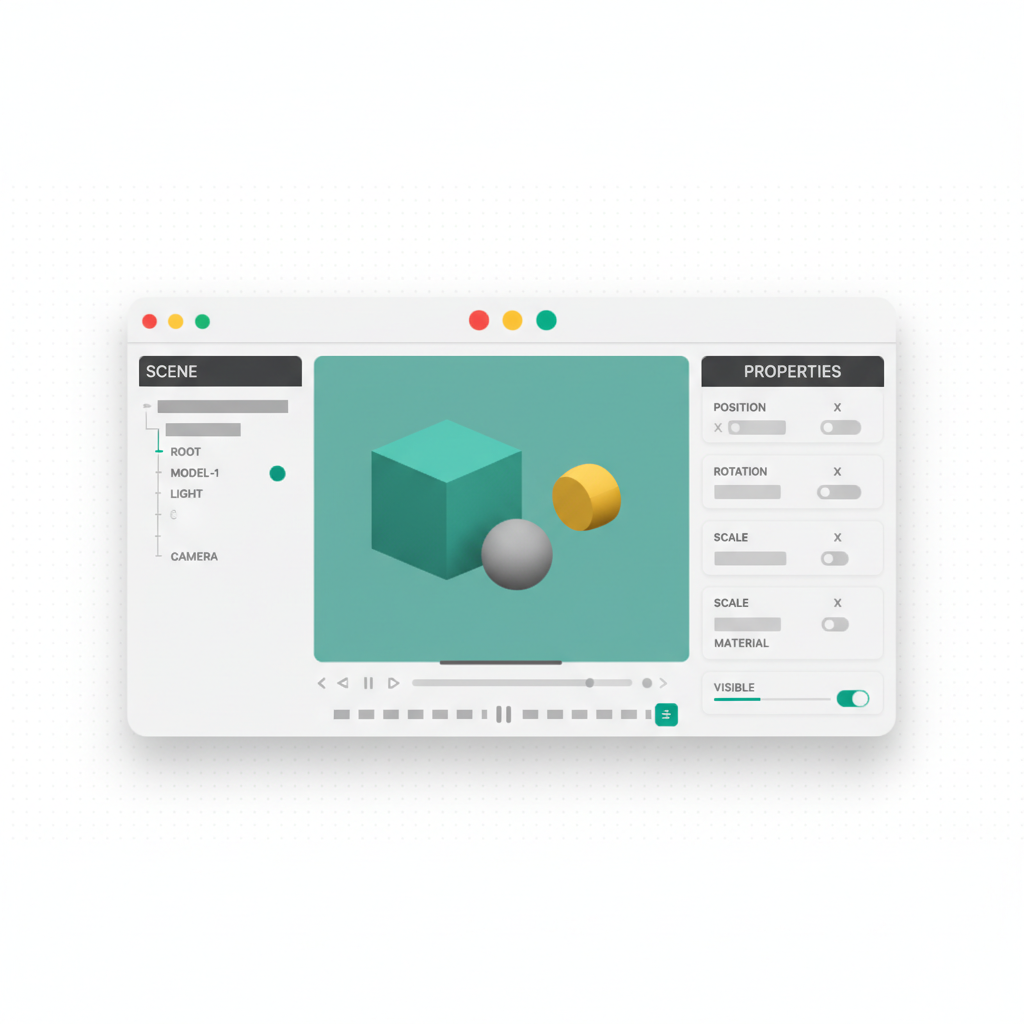
単純な形状は組み込みジオメトリで作れますが、キャラクター、車両、建物のような複雑なオブジェクトは通常3Dモデリングソフトで作成し、GLBまたはGLTFファイルとして読み込みます。Three.jsのGLTFLoaderがこれを担い、ファイルを解析してシーングラフを返すので、それを自分のシーンに追加します。
GLTF(GL Transmission Format)は、メッシュ、マテリアル、テクスチャ、アニメーション、シーン階層を単一の効率的なバイナリ形式でサポートするため、ウェブ3Dの標準になりました。モデル最適化——ポリゴン数の削減、テクスチャ圧縮、効率的なUVレイアウト——はブラウザのパフォーマンスに重要です。
ブラウザで最も重要なパフォーマンス最適化は?
ブラウザゲームはネイティブアプリより厳しいパフォーマンス制約に直面します。主要な最適化戦略:
- インスタンスレンダリング: 同じジオメトリの多数のコピー(木、建物、パーティクル)を単一のドローコールで描画
- Level of Detail (LOD): 遠くのオブジェクトには簡素なモデル、近くには詳細なモデルを表示
- フラスタムカリング: カメラの視野外のオブジェクトのレンダリングをスキップ(Three.jsが自動処理)
- テクスチャアトラス: 複数のテクスチャを1枚の画像にまとめてドローコールを削減
- オブジェクトプーリング: オブジェクトの生成と破棄を繰り返さず再利用し、ガベージコレクションを削減
ゲームループはどう構成する?
Three.jsの典型的なゲームループはこのパターンに従います:入力を読む(キーボード、マウス、ゲームパッド)、ゲーム状態を更新(プレイヤー位置、NPCの挙動、物理ステップ)、物理ボディをメッシュに同期、カメラを更新、フレームをレンダリング。各ステップを効率的に保つことで、ゲームは60fpsでスムーズに動きます。
複雑なゲームでは、ロジックをモジュールに分離する——レンダリングとループのEngineクラス、レベルジオメトリのWorldクラス、プレイヤー操作のCharacterクラス、運転メカニクスのVehicleクラス——ことでコードベースを整理し保守しやすく保てます。
これらすべてを今も手で学ぶ必要がある?
ますます不要になっています——しかし概念は今も重要です。AIコード生成は今日、自然言語の記述から完全なThree.jsゲームを生成します:VULKでは「障害物とスコアカウンター付きの3Dエンドレスランナーを作って」のようなプロンプトが、シーンセットアップ、ゲームループ、物理統合、入力処理を実際の編集可能なコードとして生成し、数秒でライブプレビューにレンダリングされます。生成は検証されます——VULKのレンダーゲートがシーンを実際のブラウザで読み込み、キャンバスが空白のままなら生成を失敗させます。
本ガイドの概念が与えてくれるのは、賢くイテレーションする能力です:影がレンダーパスを消費すること、インスタンシングがドローコールを削減すること、物理ボディが毎フレームメッシュに同期することを知っていれば、AIに正確な指示を出せます——そして非標準のものが必要なときは生成コードを編集できます。
FAQ
本物のゲームにThree.jsで十分? それともUnityやUnrealが必要?
ブラウザで配信する3Dゲーム——アーケード、ランナー、パズル、製品関連の体験——ならThree.jsが標準で、モダンなハードウェアで60fpsを実現します。巨大なワールドとコンソールをターゲットにするAAA級タイトルでは、ネイティブエンジンがまだ勝ります。Three.jsの利点はインストール不要の配信:あなたのゲームはURLひとつです。
動くThree.jsゲームを得る最速の方法は?
AIジェネレーターに記述することです。VULKでは、ゲームのプロンプトがThree.js専用パイプラインをトリガーし、シーン、ゲームループ、物理、入力処理をライブプレビュー付きのViteプロジェクトとして生成します。ゲームとインタラクティブ体験は全生成の5.4%でプラットフォームのカテゴリ第2位です(VULKプラットフォームデータ、2026年7月)。その後は会話でイテレーションし、ワンクリックでyour-game.vulk.spaceに公開します。
すべてのゲームに物理エンジンが必要?
いいえ。成功している多くのブラウザゲームは、完全な物理シミュレーションの代わりに単純な数学(バウンディングボックス判定、手動の速度計算)を使っています。リアルな重力、積み重ね、多数のボディ間の衝突、車両ダイナミクスが必要になったらcannon-esを追加してください。
パフォーマンスが落ちる前にThree.jsゲームはどこまで大きくできる?
固定の上限はありません——ドローコール、ポリゴン数、テクスチャメモリ次第です。インスタンシング、LOD、テクスチャアトラスを使えば、数万オブジェクトのシーンもスムーズに動きます。通常のボトルネックはドローコール:モバイルでは数百程度に抑えましょう。
VULKで生成したゲームをエクスポートしてセルフホストできる?
できます。生成されたゲームは標準的なVite + Three.jsプロジェクトです。ソース全体をZIPでエクスポートするかGitHubにプッシュし、静的ビルドをどこでもホストできます。プランはBuilder $25/月から。
製品ビジュアライザーでも、教育シミュレーションでも、本格的なブラウザゲームでも、Three.jsが基盤を提供します——そしてAI生成が平易な言葉から検証済みのThree.jsシーンを生み出す今、参入障壁はかつてなく低くなりました。vulk.devで始めましょう。