Introduction
CSS is the language of visual design on the web. Every color, spacing decision, shadow, animation, and layout in your application is expressed through CSS. While AI generators produce functional CSS, understanding the principles behind good visual design helps you evaluate, refine, and improve the generated output.
These tips focus on practical techniques that have the biggest impact on how your application looks and feels.
Layout with Flexbox and Grid
Modern CSS layout is built on two systems: Flexbox for one-dimensional layouts (rows or columns) and CSS Grid for two-dimensional layouts (rows and columns simultaneously).
Flexbox is ideal for navigation bars, card rows, centered content, and any layout where items flow in a single direction. The key properties are display: flex, justify-content (horizontal alignment), align-items (vertical alignment), and gap (spacing between items). Mastering these four properties handles 90% of one-dimensional layout needs.
CSS Grid excels at page layouts, dashboard grids, and any arrangement where items need to align in both rows and columns simultaneously. display: grid, grid-template-columns, and gap create sophisticated layouts in a few lines. For responsive grids, grid-template-columns: repeat(auto-fill, minmax(300px, 1fr)) creates a grid that automatically adjusts the number of columns based on available space.
Spacing and Whitespace
The most common design mistake in web applications is insufficient whitespace. Cramped interfaces feel overwhelming and amateur. Generous spacing creates visual breathing room that makes content easier to read and interact with.
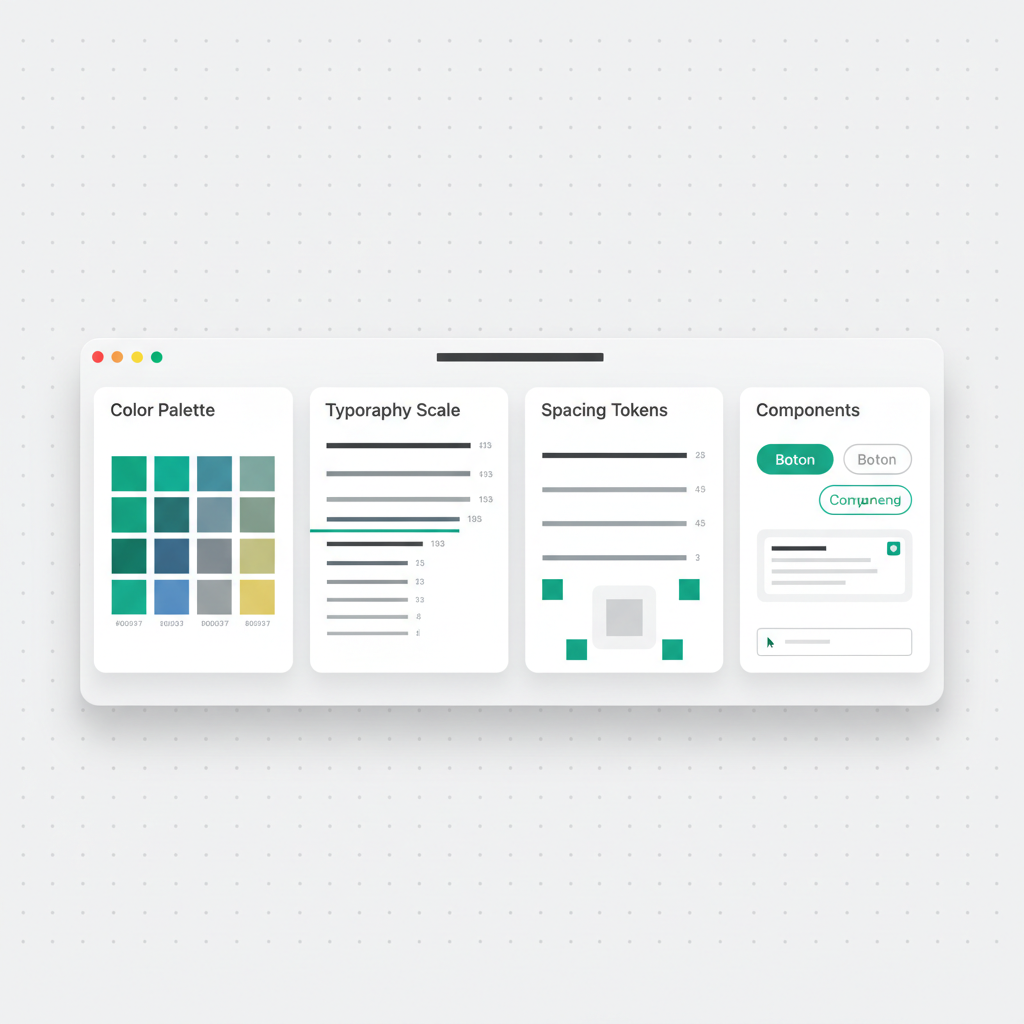
Use a consistent spacing scale. Tailwind CSS provides one by default (4px, 8px, 12px, 16px, 24px, 32px, 48px, 64px). Apply the same scale to padding, margins, and gaps throughout the application. Consistency in spacing is what makes a design feel professional rather than arbitrary.
A practical rule: when in doubt, add more whitespace. It is almost always better to have too much space than too little.
Typography
Good typography makes applications feel polished without the user consciously noticing. Three rules cover most of what you need:
Limit font sizes: Use 3-4 different sizes throughout the application. A heading size, a body size, a small/caption size, and optionally a large display size. Too many sizes create visual chaos.
Control line length: Body text should not exceed 65-75 characters per line. Longer lines are harder to read. Use
max-widthon text containers to control this.Use font weight for hierarchy: Bold text draws the eye before regular text. Use font weight (400 for body, 600 for emphasis, 700 for headings) to create visual hierarchy without changing font size.
Color
A cohesive color palette transforms a functional application into a visually appealing one. Most well-designed applications use:
- One primary color for interactive elements (buttons, links, active states)
- One or two neutral colors for text, borders, and backgrounds (gray scales)
- One accent color for highlights, alerts, or secondary actions
- Semantic colors for success (green), warning (yellow/amber), and error (red)
Keep saturation consistent across your palette. Mixing highly saturated and desaturated colors in the same interface creates visual discord. Tailwind CSS color palettes maintain consistent saturation across shades, which is one reason they produce harmonious results.
Shadows and Depth
Subtle shadows create the illusion of depth and help users understand the visual hierarchy. Cards float above the background. Modals float above the page. Dropdowns float above the controls that triggered them.
The key is subtlety. Heavy, dark shadows look dated. Modern shadow design uses large blur radius, light colors, and slight vertical offset: box-shadow: 0 4px 6px -1px rgba(0, 0, 0, 0.1), 0 2px 4px -2px rgba(0, 0, 0, 0.1). This creates a gentle, realistic shadow that adds depth without drawing attention to itself.

Responsive Design Essentials
- Use relative units (
rem,%,vw) instead of fixed pixels for font sizes and widths - Set a
max-widthon the main content container to prevent ultra-wide layouts on large screens - Use CSS Grid or Flexbox
wrapfor layouts that need to adapt to different screen widths - Test at 375px (mobile), 768px (tablet), and 1440px (desktop) as minimum breakpoints
- Make touch targets at least 44x44 pixels on mobile for comfortable tapping
Conclusion
Beautiful web applications are not built on complex CSS -- they are built on consistent application of simple principles. Generous spacing, limited color palettes, controlled typography, and subtle depth effects combine to create interfaces that feel professional and intentional.
Whether you are refining AI-generated CSS or writing your own, these fundamentals produce better results than any amount of framework configuration or library adoption.
Published by João Castro · 6 min read