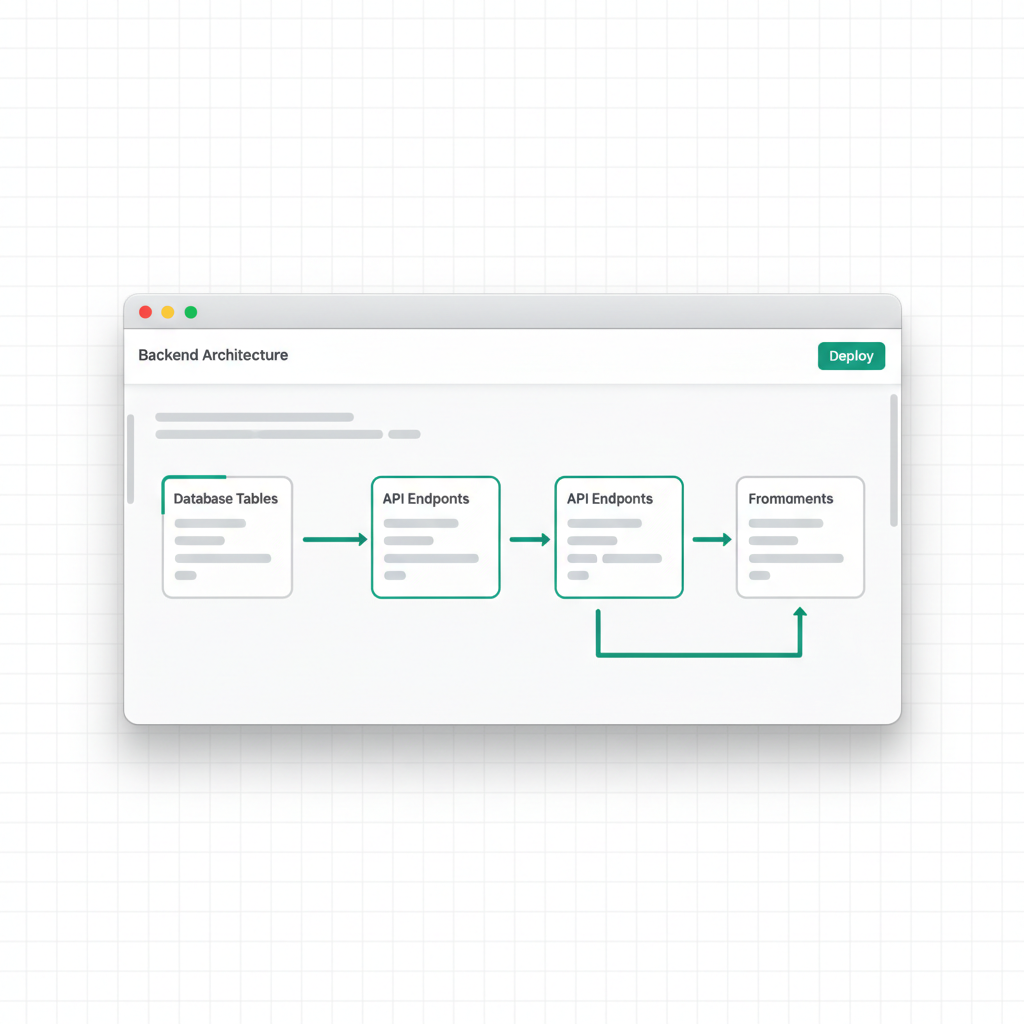
Which AI app builders include a database, sign-in and an API?
VULK, Lovable and Base44 document a database and sign-in as part of the builder. Bolt and Replit document a database of their own, and v0 connects to external databases. Every demo looks fine. What separates these tools is who can read your data, how you test that, and how you leave.
Disclosure: VULK is our product. We read each vendor's own pages on November 4, 2026, for an app you start now and run through 2027. We did not run a controlled benchmark across the six tools. The checks further down are our own engineering criteria.
The six builders side by side


Prices as each tool's pricing page showed them on November 4, 2026, in the currency it showed. Follow a link to check today's price.
We could not read Lovable's plan prices from its page, so we link to it and quote none. Prices are in US dollars. Taxes, promotions and usage charges can change what you pay.
How to choose
- You want the backend inside the builder and no accounts elsewhere: compare VULK, Lovable and Base44 first.
- You already use Supabase or another database provider: look at Bolt and v0.
- You want to write server code yourself alongside the AI: look at Replit.
- You also need 3D or an Android app from the same place: VULK does both, from a description.
- You want GitHub sync without paying first: v0 lists it on its Free plan. Base44 starts it at Builder.
- Your app depends on storage or realtime: read Lovable's Cloud page first, because it lists both next to the database.
What VULK gives you
VULK generates the front end and the backend together. Each project can have its own database, user sign-in with email and password, and a REST API. In the project's dashboard you can browse your tables. You can publish to a live address and export the source code.
Two projects in the showcase run this way, and both were generated by VULK. We read their live code to check. Until you create an account, each one runs on sample data in your browser. Once you create one, it moves what is on screen into the project's own database, and the backend refuses another account's rows.
Before you commit to any builder, list what your app needs beyond data and sign-in, and try each item in a small test project.
Five checks before you choose
Run these on any builder. Set aside an afternoon.
- Persistence: create a record, reload, sign out and sign in again. Look for it in the database, then redeploy and look again.
- Isolation: create two ordinary accounts. Try to read, edit and delete the other account's record by its ID. The server must refuse, even if the screen hides that record.
- Sign-in: register a new user, log in and log out, then open a protected page with no session. You should land on the login page.
- Errors: break an input on purpose. You want a clear message on screen, and nothing half saved in the database.
- Exit: export the source and the data, then write down what else moves with them: sign-in settings, secrets and the address of the backend. Do this while the project is small.
FAQ
What does full-stack mean in an AI app builder?
The tool produces the screens and the server side together: a database, sign-in for your users and an API or server code. An app with only screens loses its data when you reload, or keeps it in one browser.
Do I need a separate database account?
It depends on the tool. VULK, Lovable and Base44 document their own backend. Bolt offers its own database or a Supabase connection, and v0 connects to external providers. Check which one your plan includes.
Can I take my app and data with me?
Check source and data separately. GitHub sync moves code, and your data, sign-in settings and backend connection need their own plan. On VULK you can export the source as a ZIP or push it to GitHub. Run check 5 above before you depend on any builder.
Which one is cheapest?
Compare the plan that includes what you need, because the lowest price often leaves out GitHub sync or database access. Base44 puts GitHub sync on Builder, and Bolt asks for Pro or Teams to connect Supabase. VULK's plans are on the pricing page.
Where do I start?
Pick the one thing your app must do on day one and build only that, with two test accounts. Our guide on apps with a real backend goes through the database and sign-in decisions in more depth.