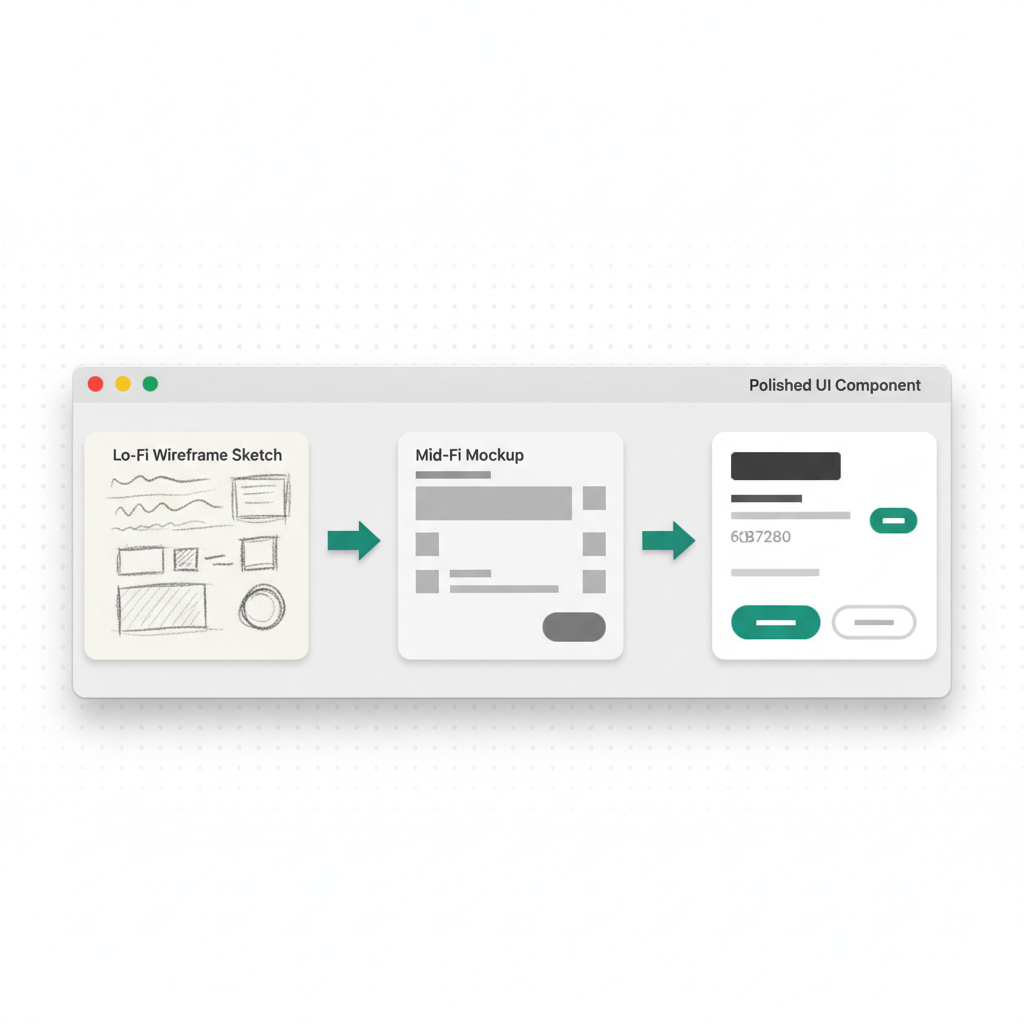

The Full Picture
Building software with VULK follows a loop: prompt, generate, preview, iterate, deploy, share. Each phase has specific techniques that separate a quick prototype from a polished product. This guide covers each phase with practical advice drawn from how the most successful VULK users work.
Phase 1: The Idea
Every project starts with an idea, but the gap between "I want a dashboard" and "I want a project management dashboard with Kanban boards, time tracking, and team permissions" is where quality is determined.
Before opening VULK, answer three questions:
- Who uses this? A single user, a team, the public?
- What are the core screens? List them. If you cannot name at least three distinct screens, your idea might be a feature, not an app.
- What data does it manage? Users, products, posts, transactions -- name the objects and their relationships.
Writing these down before you prompt gives you a scaffold that makes every subsequent step faster.
Phase 2: The Prompt
Your first prompt to VULK is the blueprint. The AI generates an entire application from this single message, so density matters.
Structure your prompt in layers:
Layer 1 -- Platform and stack:
Build a React + Vite project management dashboard
Layer 2 -- Core features:
with Kanban boards for task management, a calendar view for deadlines, time tracking per task, and team member assignment
Layer 3 -- Data model:
Projects have a name, description, and owner. Tasks have a title, description, status (backlog, in progress, review, done), assignee, due date, and time logged. Users have a name, email, role (admin, member, viewer).
Layer 4 -- UI specifics:
Use a sidebar layout with project navigation. The main area shows the Kanban board by default with drag-and-drop columns. Include a top bar with search, notifications bell, and user avatar dropdown.
Layer 5 -- Technical requirements:
Generate a PostgreSQL backend with authentication using email/password. Include API endpoints for CRUD on projects, tasks, and users. Add role-based access control.
Combining all five layers into one prompt produces significantly better results than a vague request followed by corrections.
Phase 3: Generation
VULK's generation happens in real-time via server-sent events. You will see several stages:
- Project name and introduction -- VULK confirms what it understood from your prompt
- Plan -- A numbered list of implementation steps (usually 8-15 steps for a full app)
- File generation -- Each file appears one by one with its full content
- Completion summary -- Login credentials (if auth was generated), feature checklist, and any notes
During generation, read the plan carefully. If step 3 says "Create a basic task list" when you wanted a Kanban board, you can stop generation and refine your prompt. It is cheaper to regenerate early than to patch later.
The plan is also useful documentation. It tells you exactly what architecture decisions the AI made, which libraries it chose, and how it structured the database schema.
Phase 4: Preview
VULK's server-side preview renders your generated app in a real runtime environment. This is not a static mockup or a screenshot -- it is your actual application running with a real backend, real database, and real API endpoints.
What to check in preview:
- Navigation flow: Click through every link and route. Does the sidebar work? Do breadcrumbs update? Can you go back?
- Forms and validation: Submit empty forms, submit with invalid data, submit with valid data. Check error messages.
- Responsive behavior: Toggle the preview between desktop and mobile viewports. Check if layouts collapse correctly.
- Data persistence: Create a record, navigate away, come back. Is it still there?
- Authentication flow: If the app has login, test the full cycle: register, log out, log in, access protected routes.
Do not move to iteration until you have clicked through every screen at least once. The preview phase is where you discover structural issues that are easy to fix with targeted follow-ups.
Phase 5: Iteration
This is where VULK's conversation model becomes powerful. Instead of regenerating the entire application, you send follow-up messages that modify specific parts.
Effective iteration messages:
- "Move the search bar from the sidebar to the top navigation bar"
- "Add a confirmation modal before deleting a task"
- "Change the task status options to: backlog, todo, in progress, in review, done, archived"
- "Add a dashboard home screen that shows total tasks by status, tasks due this week, and recent activity"
Ineffective iteration messages:
- "Make it better" (better how?)
- "Fix the design" (what specifically is wrong?)
- "Add more features" (which features?)
Each follow-up should target one change or a small group of related changes. VULK applies surgical edits to existing files rather than regenerating everything, which preserves your accumulated customizations.
The iteration loop: Change something, check the preview, decide if it is right, send the next change. Most production-quality apps go through 5-15 iterations after the initial generation.
Phase 6: Deployment
When your app is ready, VULK publishes it to your-project.vulk.space, on Cloudflare's global network, with one click. The deployment process handles:
- Building the production bundle with optimizations
- Publishing the static assets on Cloudflare's global network
- Configuring the domain (a
.vulk.spacesubdomain by default, or your own domain from Builder) - Setting up SSL certificates automatically
For apps with a PostgreSQL backend, VULK provisions and configures the database as part of the deployment. Your API endpoints, database migrations, and server-side logic are all deployed together.
Post-deployment checklist:
- Visit the deployed URL and test the same flows you tested in preview
- Test on a real mobile device (not just a resized browser window)
- Check page load speed -- Cloudflare's edge network means your app should load in under 2 seconds globally
- Verify that authentication works in production (session cookies, redirects)
- Test with real data volumes if your app handles lists or tables
Phase 7: Share
A deployed VULK app gets a public URL immediately. But sharing effectively means more than sending a link.
For client presentations: Send the direct URL. The app is live, responsive, and functional. There is nothing to install or configure. Clients can interact with a real product, not a Figma mockup.
For portfolio projects: VULK projects appear on your public profile at vulk.dev/username. Each project shows the tech stack, a live preview, and the ability for visitors to fork the project into their own VULK workspace.
For production products: Point a custom domain to your Cloudflare deployment. VULK handles the DNS configuration and SSL provisioning. Your users never see a .vulk.dev URL.
Tips From Power Users
Start with the hardest screen. If your app has a complex data visualization or an intricate form, describe that screen in detail in your first prompt. It is easier to add simple screens later than to retrofit a complex one.
Use the plan as a contract. When VULK shows the generation plan, read each step. If something is missing, stop and add it to your prompt. The plan reflects exactly what the AI will build.
Iterate in small batches. Three focused follow-ups produce better results than one massive message with ten changes. The AI maintains better context when changes are incremental.
Test edge cases in preview. What happens with an empty state? What happens with 100 items in a list? What happens when the network is slow? These are the things users will encounter that you might not think to test.
Deploy early, iterate in production. You can redeploy as many times as you want. Deploy after your first round of iterations, share the link for feedback, then iterate again based on real responses. This is faster than trying to perfect everything before anyone sees it.
The Workflow in Practice
The entire cycle -- from opening VULK to having a deployed, shareable application -- typically takes 20 to 60 minutes for a standard app. Complex applications with multiple user roles, real-time features, or extensive data models may take a few hours of iterative development.
The key insight is that VULK's workflow compresses the traditional build cycle (wireframe, design, code, test, deploy) into a conversation. Each message in that conversation is a design decision, a feature implementation, and a code review all at once. The faster you learn to communicate precisely in prompts, the faster your workflow becomes.