
Why a Mobile App?
Ideas don't wait for you to sit at a desk. You might think of the perfect app concept during a commute, sketch a UI in a coffee shop, or need to fix a deployment while away from your laptop.
VULK's mobile app puts the full power of AI app generation in your pocket.
What You Can Do
Build from Anywhere
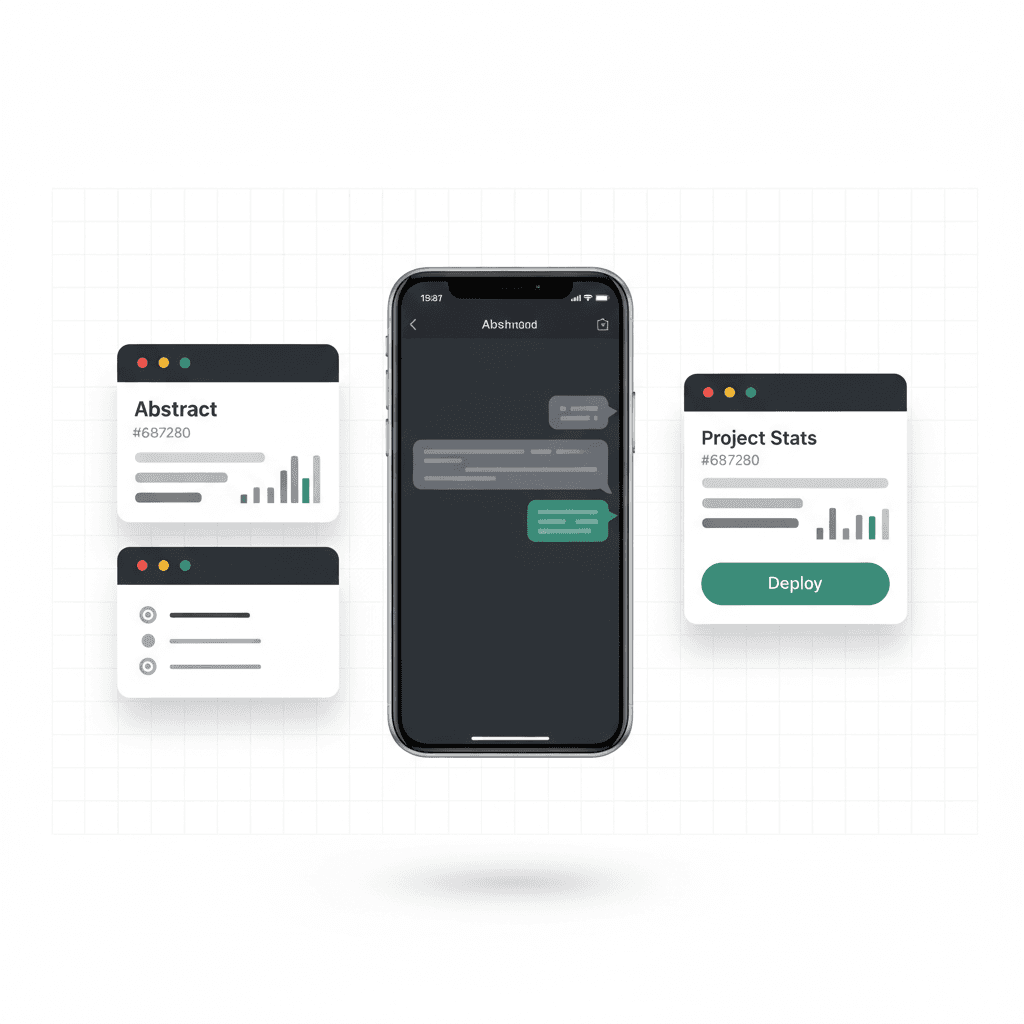
Open the app, describe what you want, and watch VULK generate a complete application. The same AI models, the same generation pipeline, the same quality — just on a smaller screen.
The chat interface is optimized for mobile with:
- Quick-action buttons for common commands
- Voice input for hands-free prompting
- Swipe gestures for navigation
- Adaptive layout that maximizes screen space
Live Preview
Every generated app gets a live preview you can interact with directly on your phone. Tap through the UI, test navigation, check responsive behavior — see exactly what your users will see.
Project Management
Your full dashboard is available:
- View all projects with status indicators
- Star favorites for quick access
- Search and filter across your portfolio
- Check deployment status and analytics
Settings and Configuration
All 18 settings tabs from the web app are available:
- Profile and account management
- Billing and subscription controls
- API key management (BYOM)
- Team collaboration settings
- Language and theme preferences
Push Notifications
Stay informed with real-time notifications:
- Build complete — your generation finished successfully
- Deployment ready — your app is live at its URL
- Team activity — collaborators made changes
- Billing alerts — credit usage, subscription renewals
Notifications are powered by Firebase Cloud Messaging with device token management, ensuring reliable delivery across iOS and Android.
File Viewer
Need to inspect the generated code? The built-in file viewer lets you:
- Browse the complete project file tree
- Read any file with syntax highlighting
- Copy code snippets to clipboard
- Jump to specific files from the chat context
Voice and TTS
For a truly hands-free experience:
- Voice input — describe your app by speaking
- Text-to-speech — have VULK read back generation summaries and status updates
Subscription Management
Manage your VULK plan directly from the app:
- Subscribe to Builder, Pro, Team, or Max plans
- In-app purchases via App Store or Google Play
- View usage stats and remaining credits
- Upgrade or downgrade seamlessly
Available Now
The VULK mobile app is available on:
- iOS — App Store (requires iOS 16+)
- Android — Coming soon via Google Play
Download it, sign in with your existing VULK account, and start building from anywhere.