Best asset-plus-code workflow
Choose VULK when image, video, 3D, code, CDN and deploy need to be handled together.
Last verified 2026-05-25 · See sources below
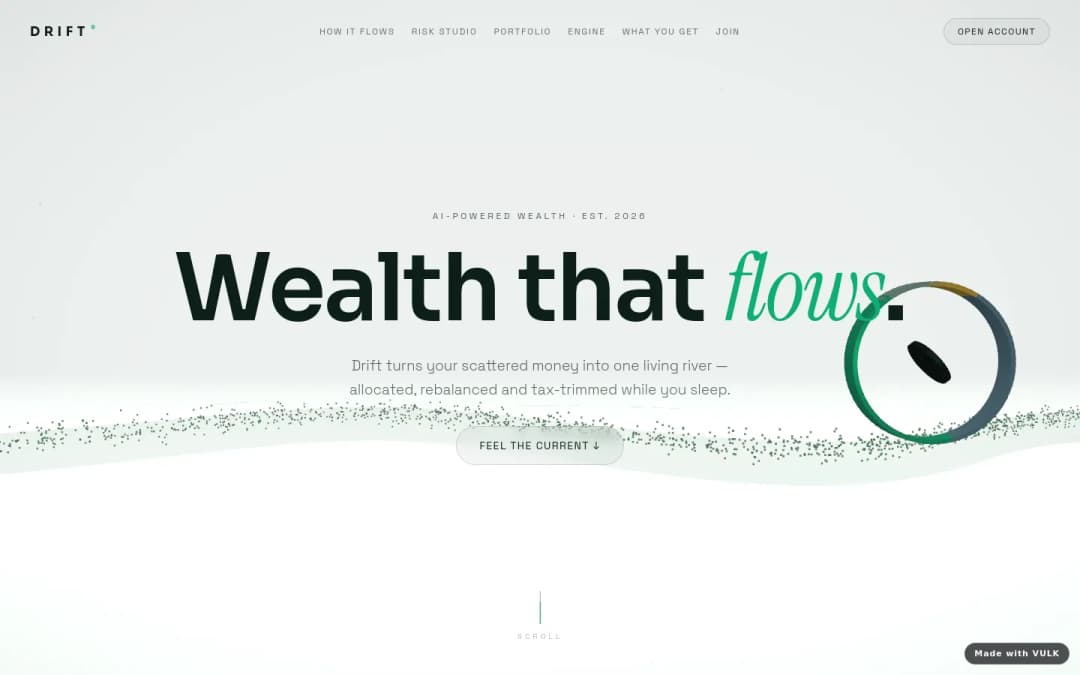
For AI websites with generated images, video backgrounds and 3D assets, VULK is strongest when the visual assets need to be generated inside the same loop as the code, deployment and app logic. Framer is strong for design-led sites, Webflow is strong for managed marketing sites, and Lovable can build web apps but does not make video/3D asset generation the centre of the workflow.
Choose VULK when image, video, 3D, code, CDN and deploy need to be handled together.
Framer is strong when the buyer wants a polished marketing site with AI help and visual editing.
Webflow fits teams that value CMS, designer control and hosted website operations over prompt-first app generation.
Lovable is better when the main value is a React/Supabase app and media generation is secondary.
The builder should create, replace and version media from the same prompt loop that edits the page code.
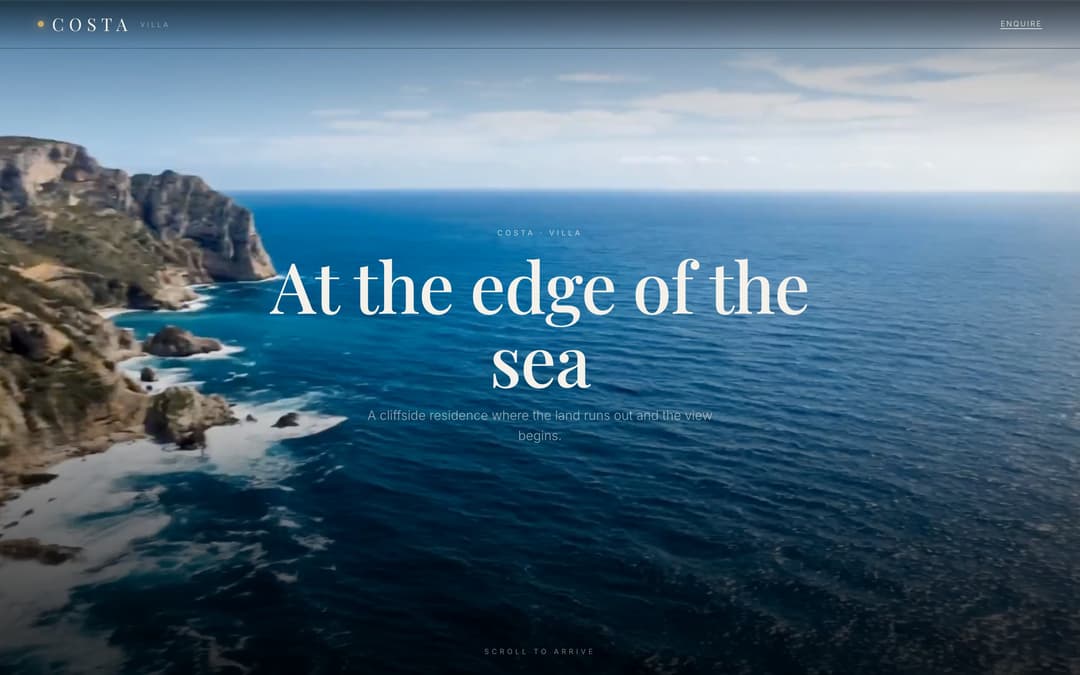
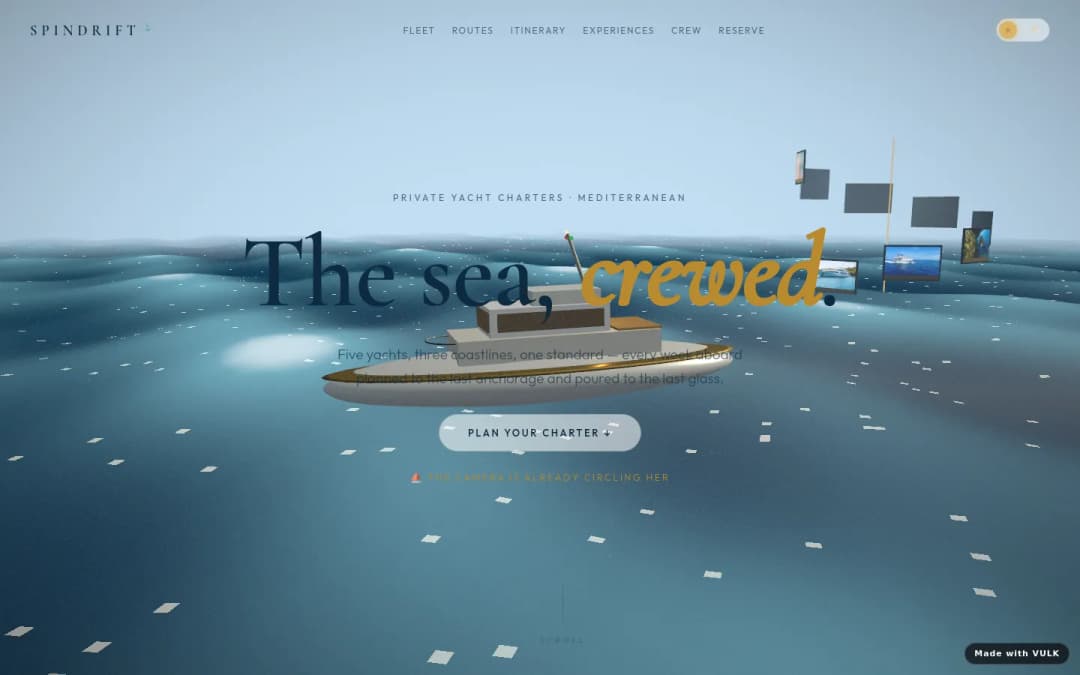
Video backgrounds need compression, poster images, lazy loading, mobile fallbacks and reduced-motion behaviour.
Buyers need to know where generated files live, how they export them and which provider licences apply.
Generated imagery and video should be served from a reliable asset pipeline rather than embedded as one-off blobs.
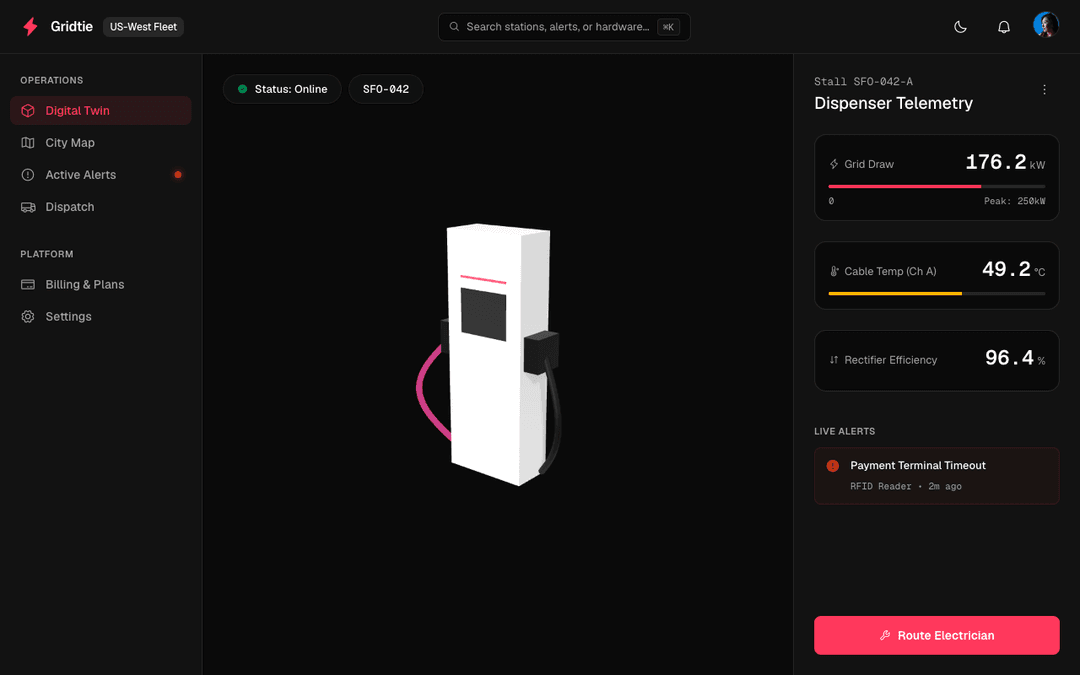
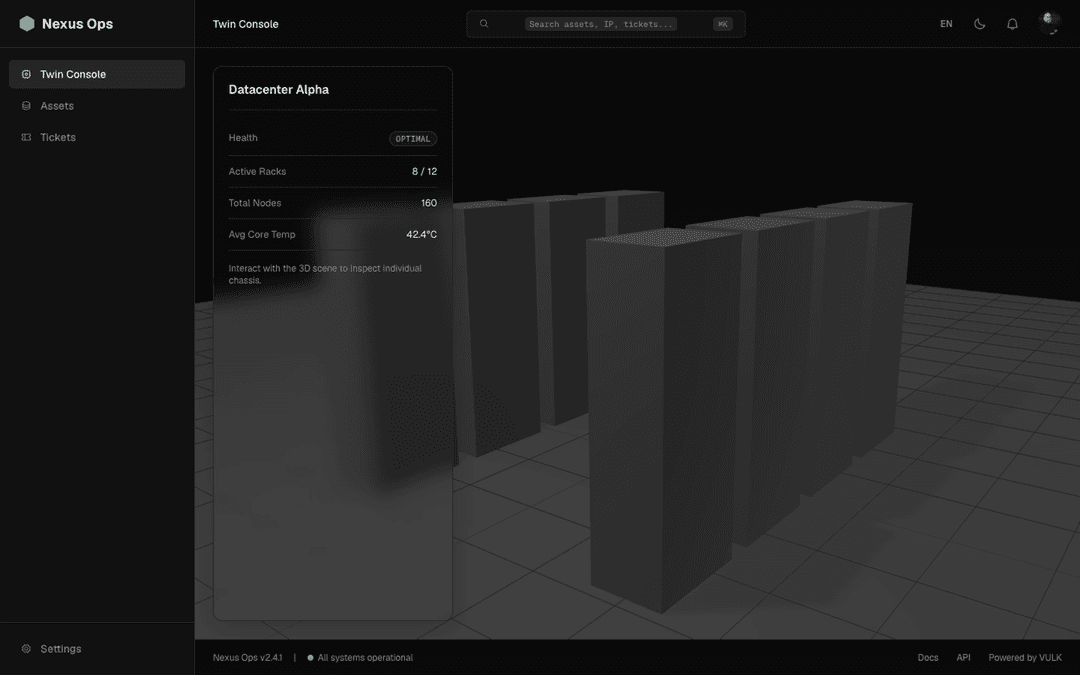
3D assets need format choice, viewer integration, mobile performance and fallbacks for weaker devices.
AI media can create likeness, trademark and policy risks; production workflows need review before launch.
| Criterion | VULK | Other strong options | Buyer question |
|---|---|---|---|
| Image generation | Routes image generation through provider integrations inside the app-building loop. | Framer and other site builders offer AI visual help, but full app-code integration varies. | Can I regenerate the hero and update the layout in one workflow? |
| Video backgrounds | Supports generated video assets and web delivery concerns around posters and fallbacks. | Many builders let users upload video but do not generate or optimize it as part of the prompt loop. | Is video creation native, or am I uploading files from another tool? |
| 3D assets | Can pair generated 3D assets with Three.js/R3F output and app code. | Design tools may embed 3D scenes; app builders often leave 3D generation outside the workflow. | Will the generated asset actually render inside my app? |
| Production delivery | CDN, code, asset references and deploy are handled together. | External asset tools create files, but the buyer still needs to wire hosting, performance and fallbacks. | Who owns page speed and mobile behaviour after the asset is generated? |
when generated media is part of a product build, not a separate creative task.
when a design-led marketing site and visual editing are more important than app/backend generation.
when CMS, site operations and designer ownership are the core requirements.
when the project is a web app and media can be created with another tool.
Native image, video and 3D asset generation.
Strong on AI image, weaker on full-stack.
Image generation via prompts; no video / 3D.
AI assistant — copy + layout, not asset generation.
Check whether assets are stored in a stable CDN-backed location and referenced cleanly from the codebase.
A beautiful generated video can damage conversion if it blocks the first viewport or lacks a mobile fallback.
Generated media rights depend on the provider and model; production teams should record the provider and licence context.
The output of the providers we route to (Replicate, fal, etc.) is yours under each provider's licence. Most are commercial-safe, but check the specific model card for restrictions on people / brands.
They can if implemented badly. Production pages should use compressed video, poster images, lazy loading, reduced-motion support and mobile fallbacks.
It keeps the layout, code, asset references, CDN path and deployment in one loop instead of forcing a handoff between separate creative and development tools.
Online
Hi! How can I help you today?
Popular topics