Best downstream app builder
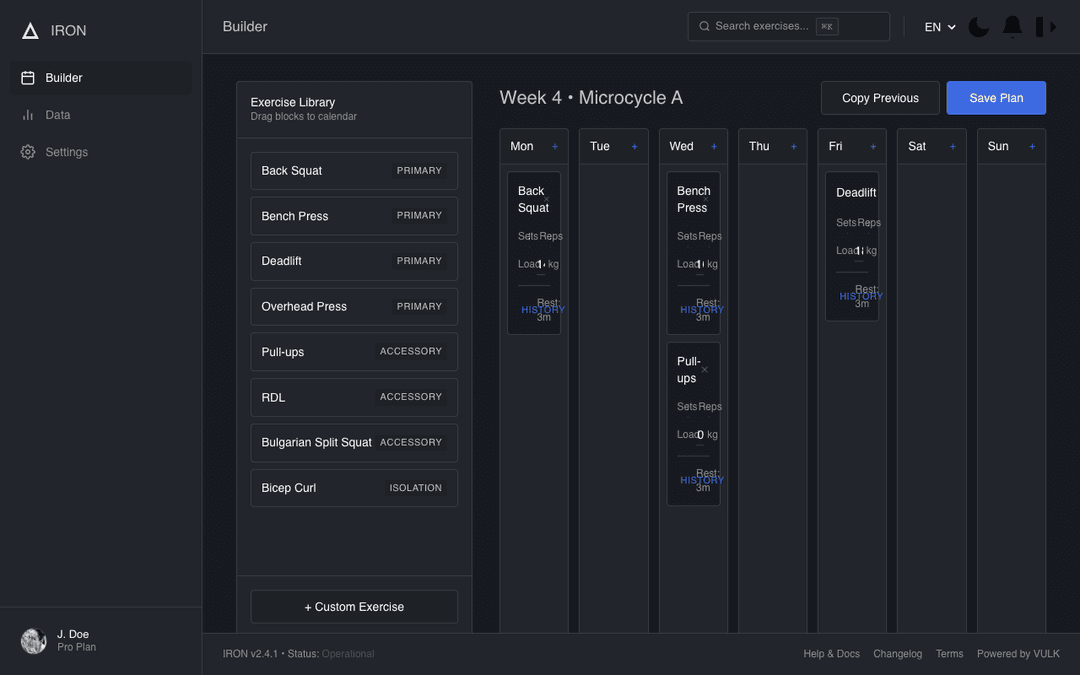
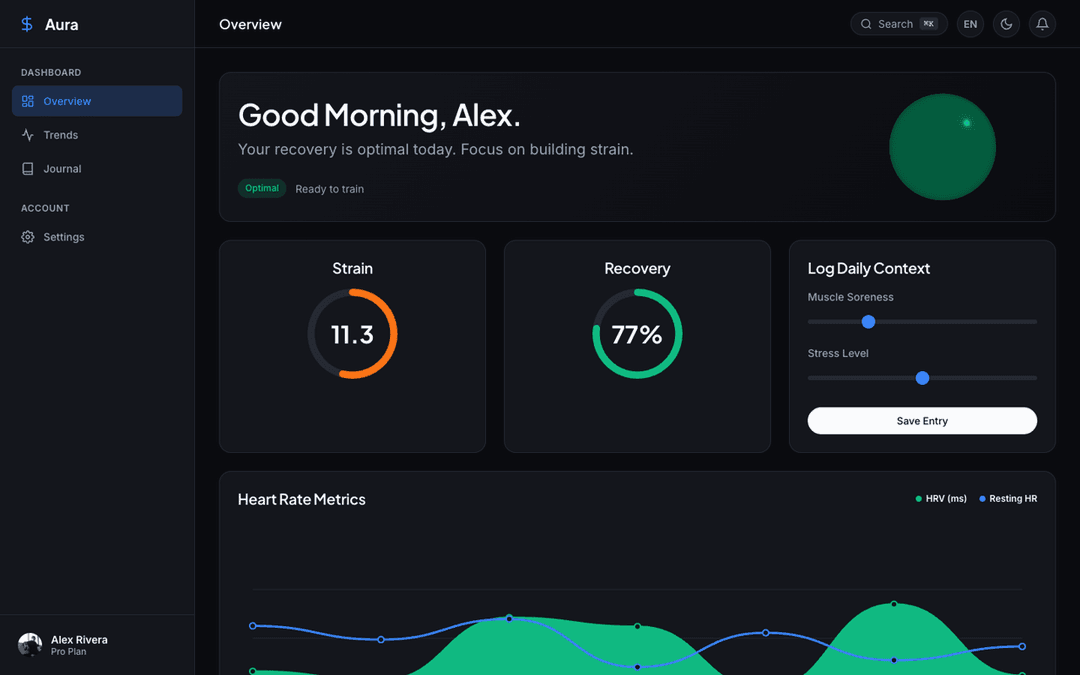
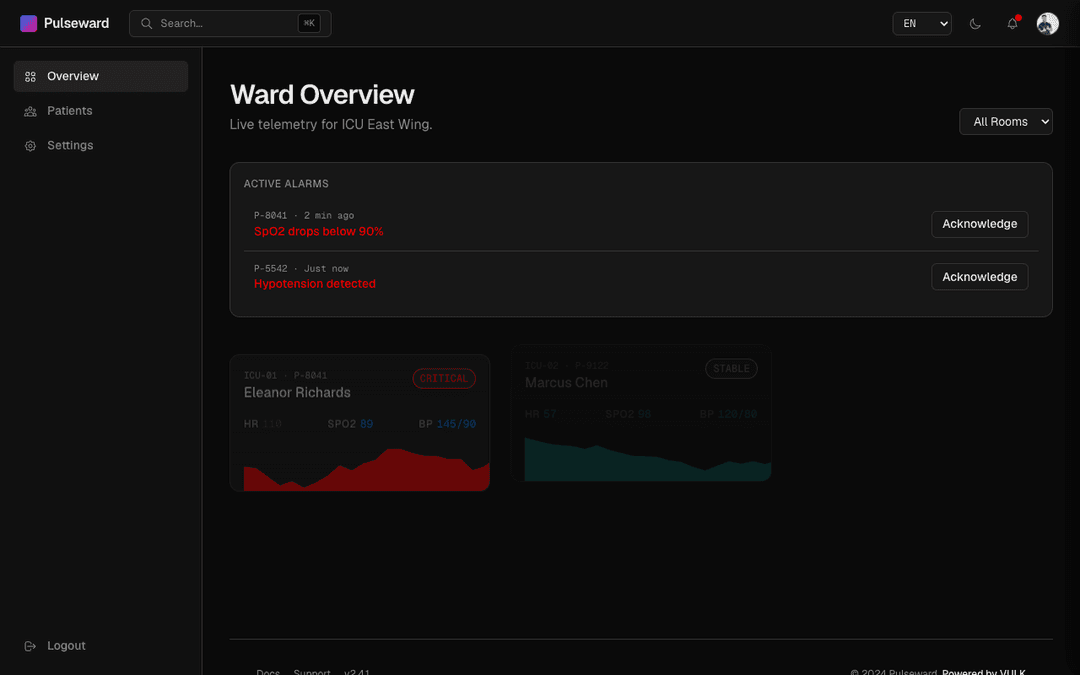
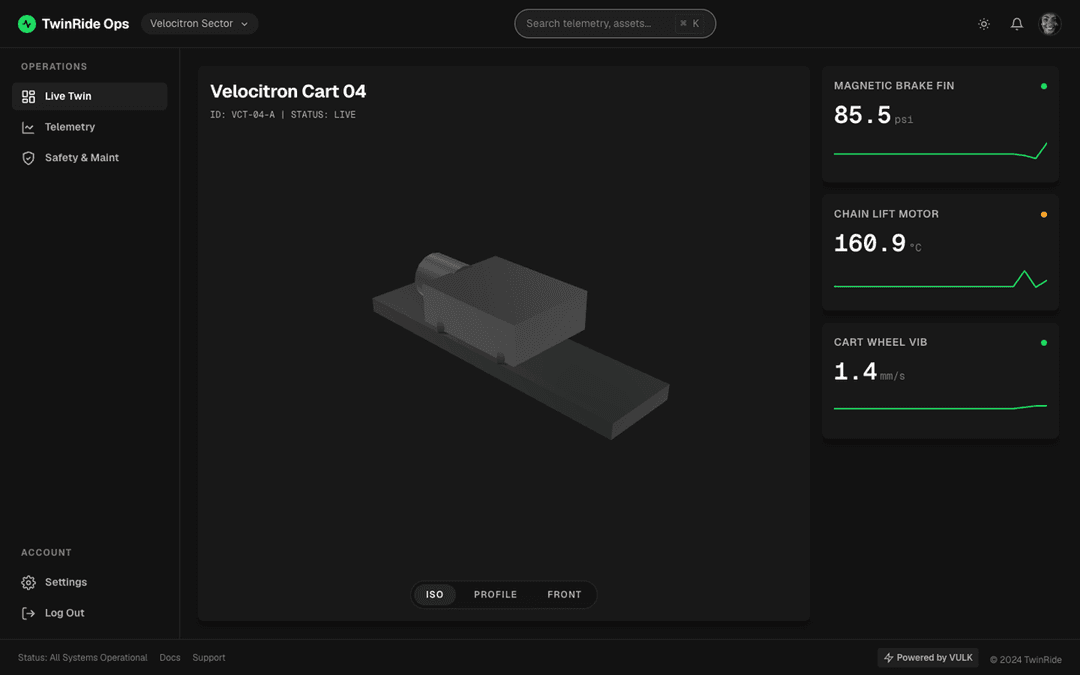
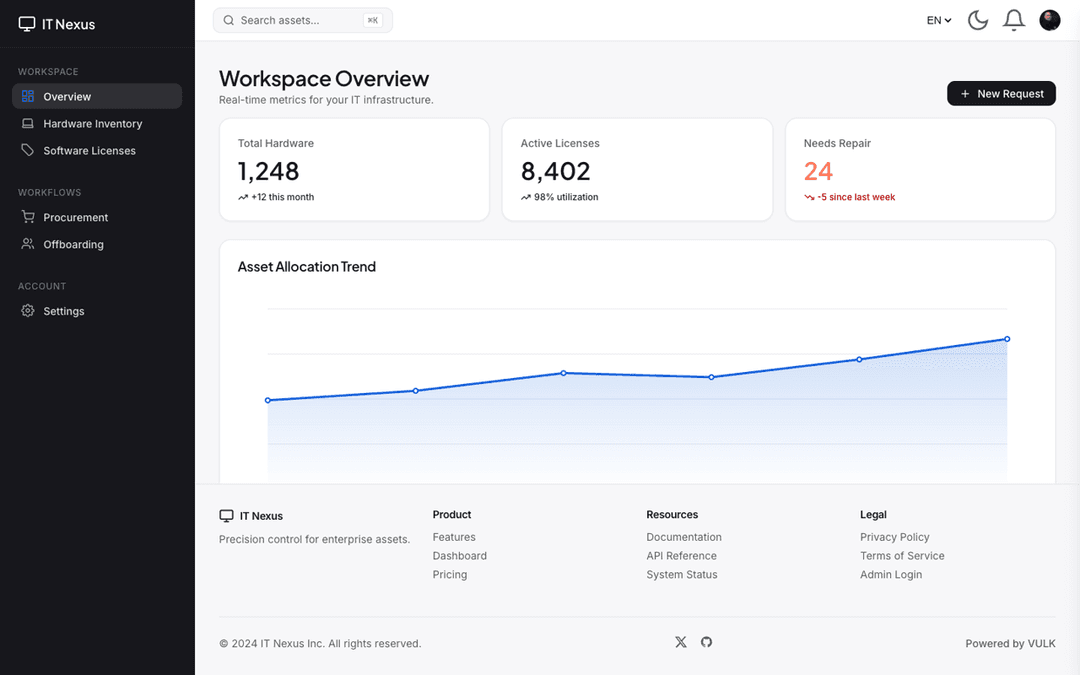
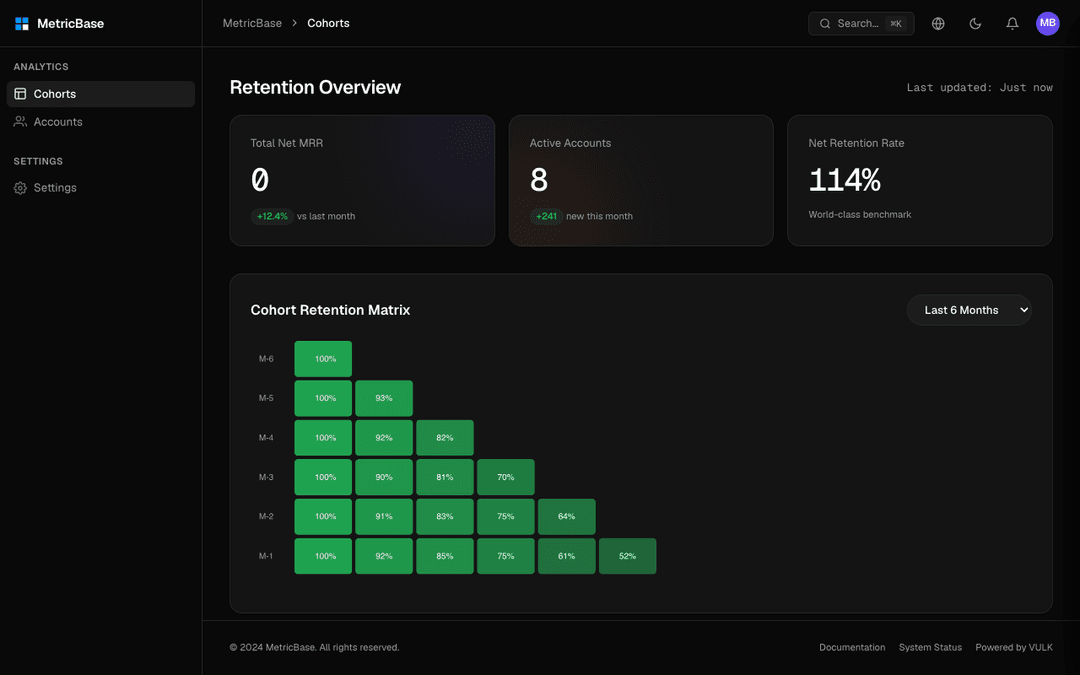
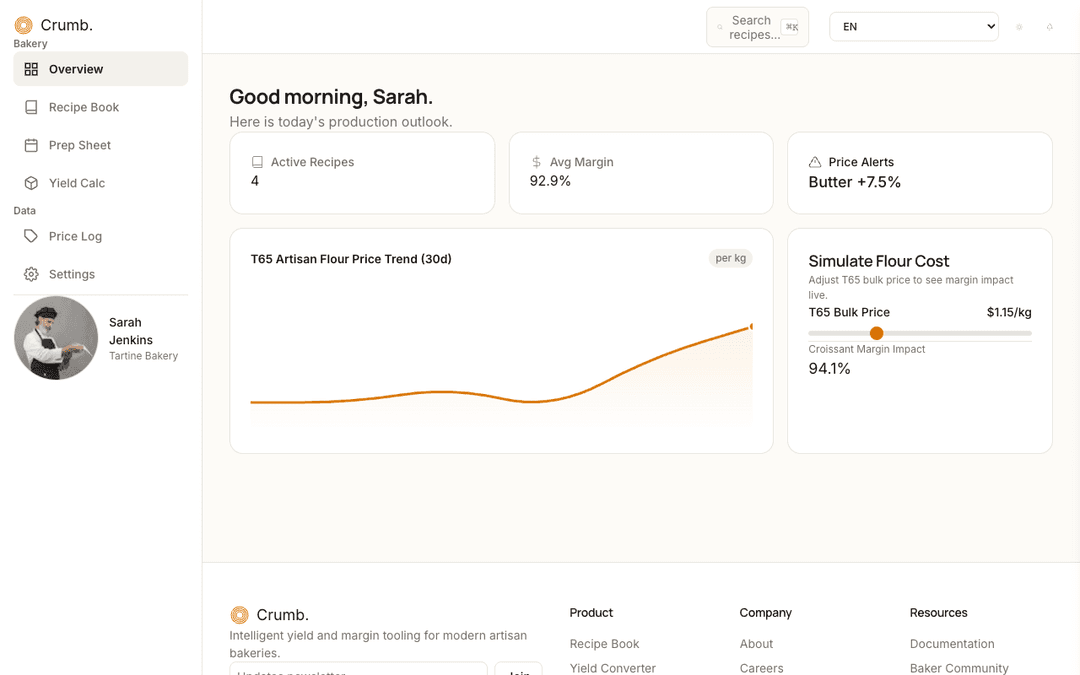
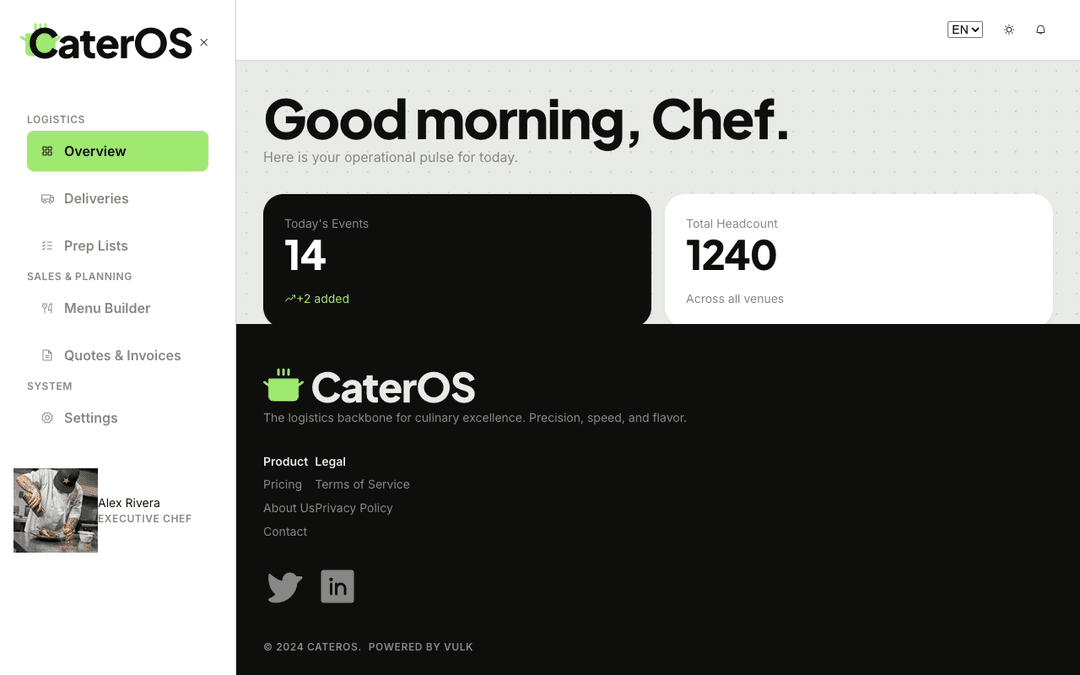
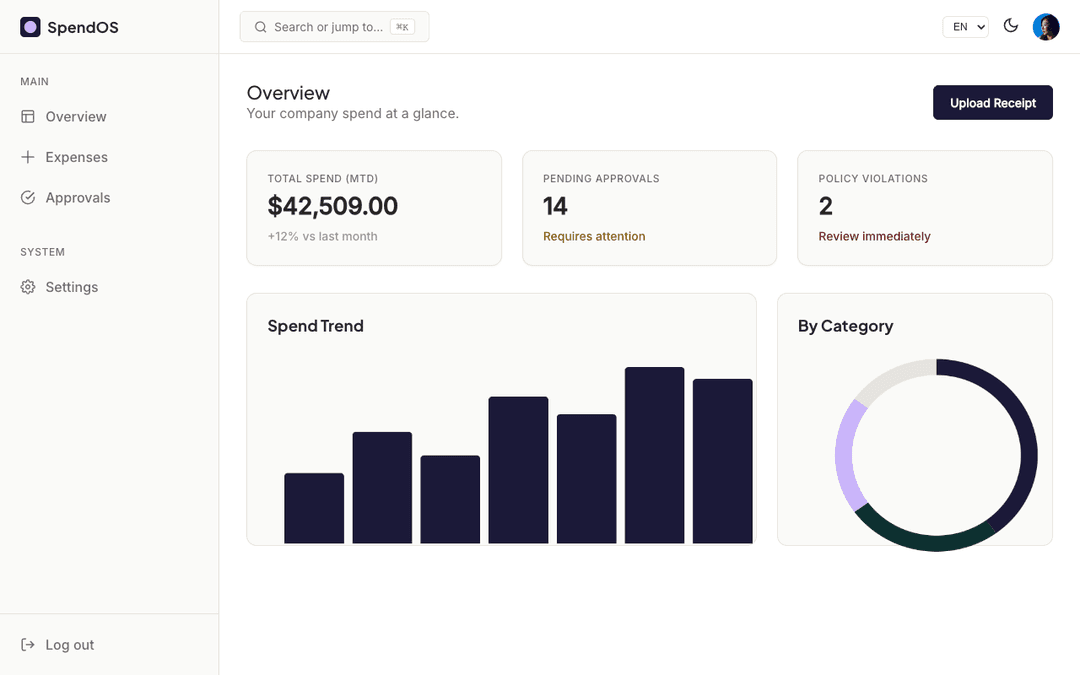
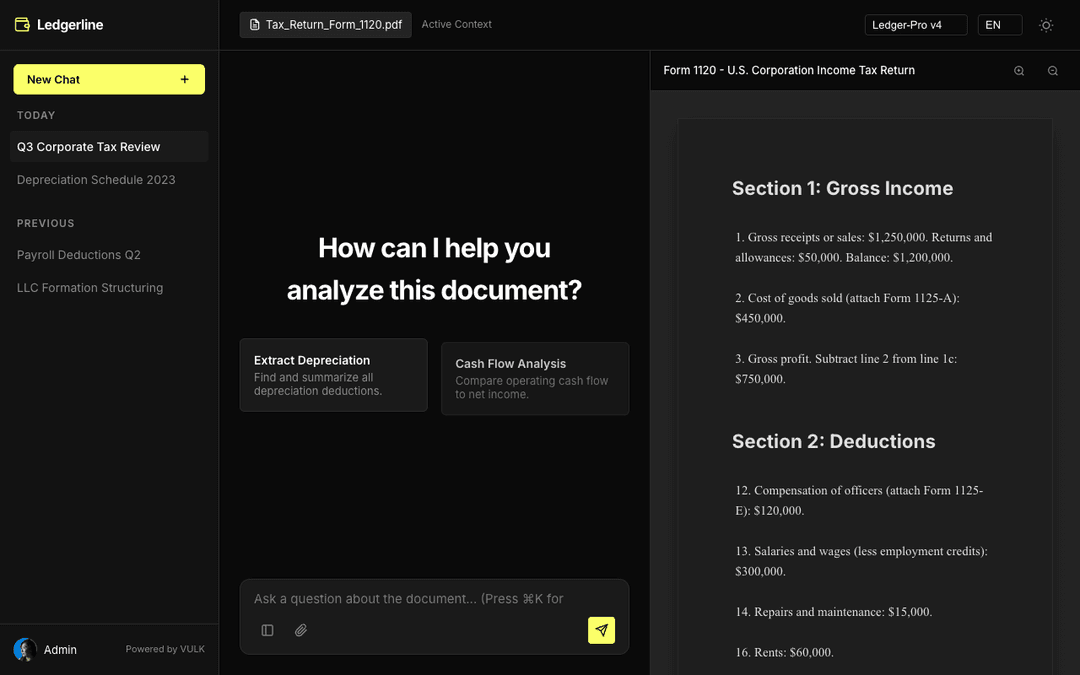
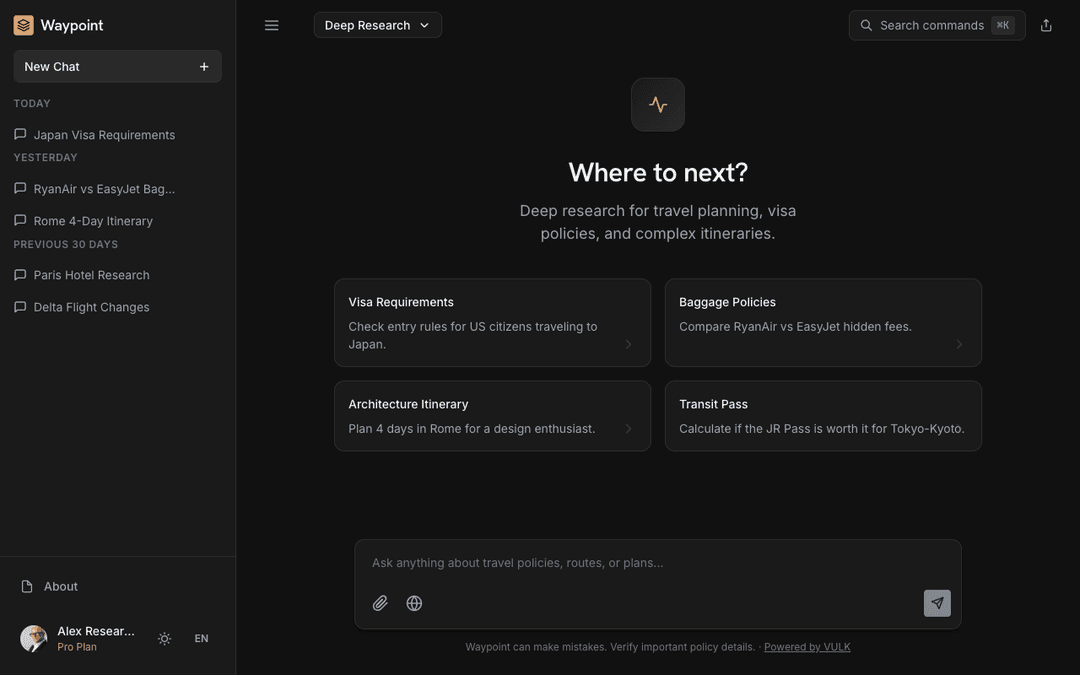
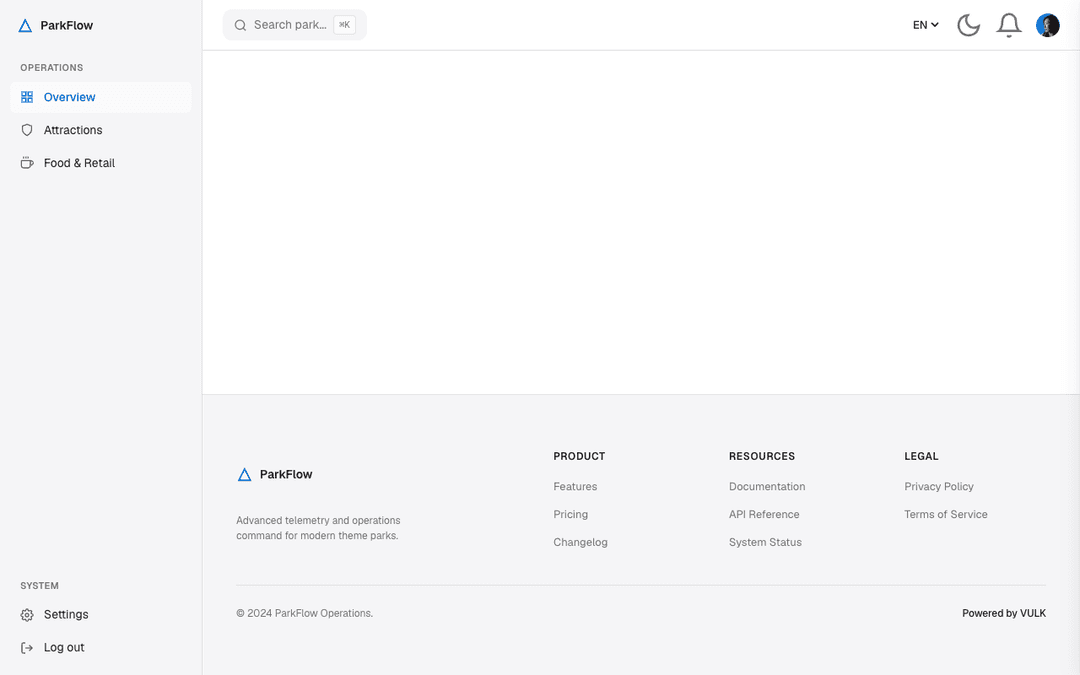
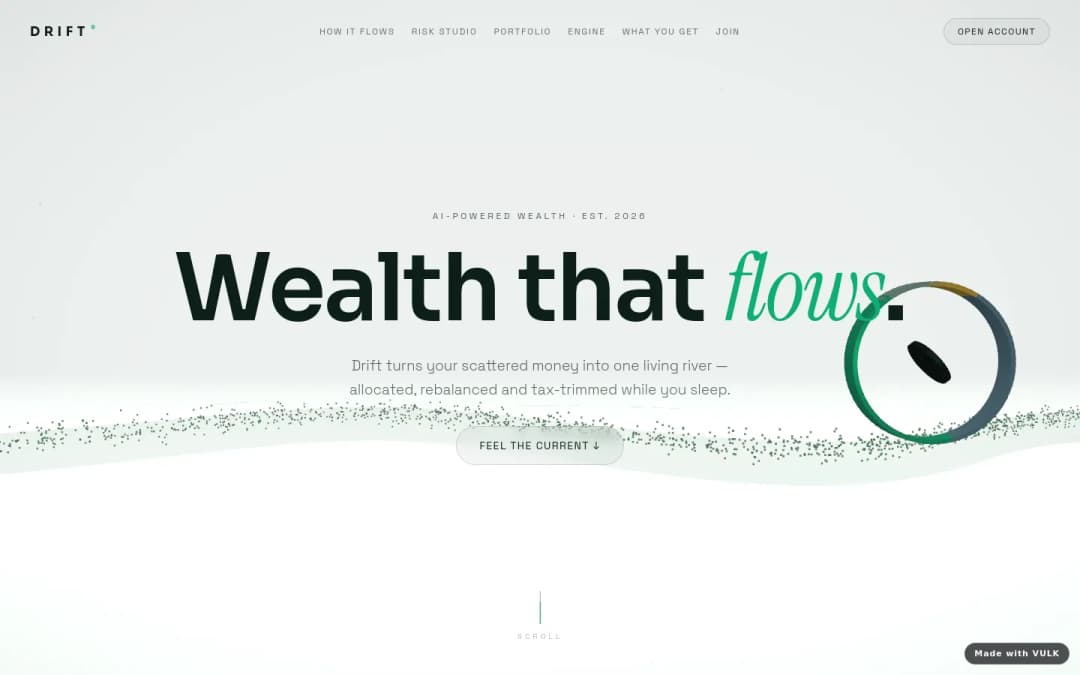
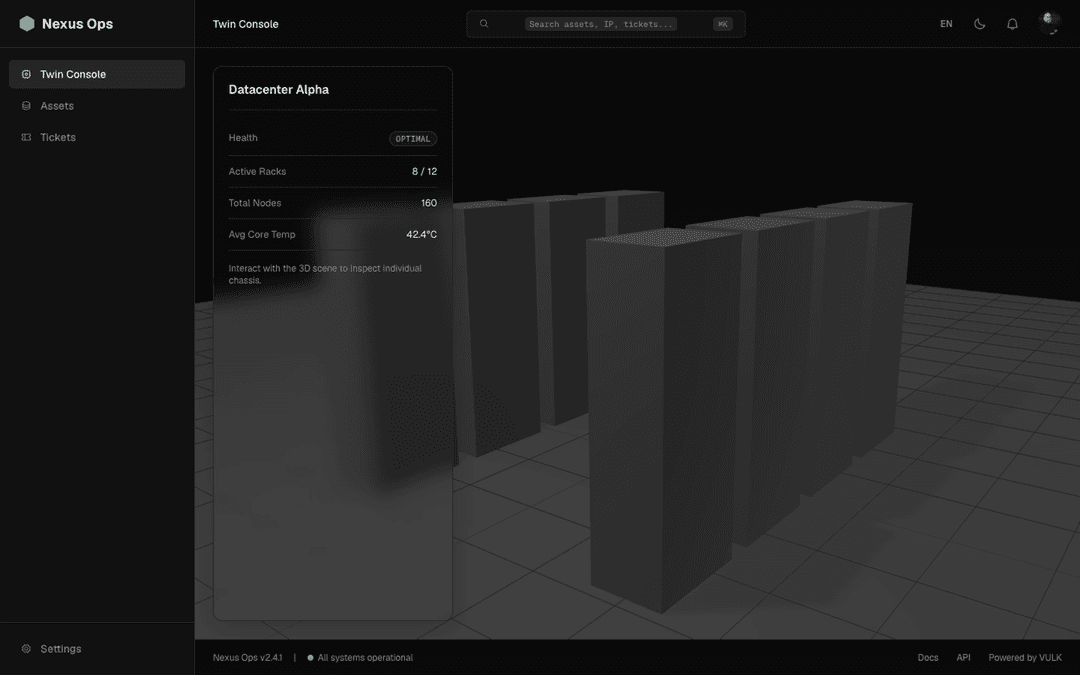
Choose VULK when an MCP host needs a specialised tool for prompt-to-app generation, edits, deploys and project previews.
Last verified 2026-05-25 · See sources below
VULK is not a replacement for Claude Desktop, Cursor or Windsurf; it is the app-building tool those MCP-aware hosts can call. Use Claude Desktop, Cursor or Windsurf as the agent interface, then use VULK's MCP server when the task is generate, edit, deploy, inspect or preview a VULK project.
Choose VULK when an MCP host needs a specialised tool for prompt-to-app generation, edits, deploys and project previews.
Claude Desktop is useful when users want a broad assistant that can call multiple MCP tools from one chat interface.
Cursor and Windsurf are stronger when the developer wants MCP tools inside an agentic coding environment.
The strongest workflow is often host plus tool: Cursor or Claude as the operator, VULK as the app builder.
Claude Desktop, Cursor and Windsurf are hosts; VULK is a specialised tool server for app-generation operations.
The MCP server should expose concrete actions such as generate, edit, deploy, list projects and fetch previews.
Tokens should be scoped so the host can do the intended work without unnecessary access to every project.
Agent-triggered generation and deploys should still surface previews, diffs or confirmations where the workflow needs control.
MCP runs should leave enough history to debug prompts, tool calls and project changes.
Users should still be able to open VULK directly if the external MCP host is unavailable or misconfigured.
| Criterion | VULK | Other strong options | Buyer question |
|---|---|---|---|
| Product role | MCP server/tool that performs app-building actions. | Claude Desktop, Cursor and Windsurf are MCP hosts that call tools. | Am I choosing the agent interface or the app-building capability? |
| Primary user | Founders, agencies and teams that want generated projects, previews and deploys. | Claude Desktop fits general operators; Cursor/Windsurf fit developers in codebases. | Who will run the workflow day to day? |
| Action scope | Generate, edit, deploy, list projects and get previews. | Hosts can orchestrate many tools but do not themselves become a VULK project pipeline. | Which tool actually creates the app? |
| Ownership | Generated projects can still be exported and maintained as code. | IDE hosts work with existing repos; chat hosts depend on connected tools for durable project output. | Where does the generated app live after the agent call? |
when an existing AI host needs to call a real app builder rather than only edit local files.
when the workflow is broad, conversational and spans many non-code tools.
when the developer wants MCP actions inside an IDE and will inspect generated code directly.
when a team wants an agentic coding host plus a specialised prompt-to-app platform.
MCP server — generate / edit / deploy as agent tools.
MCP host — call VULK tools from Claude.
MCP host — call VULK from Cursor's agent.
MCP host — Codeium's agentic IDE.
A real integration should expose named tools with schemas, not only a vague compatibility claim.
Ask the host to create or edit a project, fetch the preview and confirm the project appears in VULK.
Verify what token or account access the MCP server needs and whether project-level access can be limited.
Yes — they're complements, not substitutes. VULK is the *generator* (full-stack apps from prompts). Cursor / Claude Desktop are *hosts* that can call VULK as one of many tools.
MCP lets an AI host call a specialised app-builder tool with structured actions. Instead of copying prompts between products, the host can ask VULK to generate, edit, deploy or return a preview.
It can be, but teams should use scoped credentials, preview checks, logs and human approval for sensitive production deploys.
Online
Hi! How can I help you today?
Popular topics