Updated July 18, 2026 — pricing updated to current plans and per-platform deploy paths refreshed.
How does one-click deployment work on VULK?
The complete answer: you click Deploy in the VULK editor, VULK builds your project on its own servers (vite build — TypeScript compilation, bundling, Tailwind purging, minification, hashed filenames), publishes the static output on Cloudflare's global network, and hands you a live HTTPS URL at your-project.vulk.space. The entire process — build, publish, SSL — completes in 10 to 30 seconds. No CI/CD pipelines, no hosting dashboards, no configuration.
That speed matters because of what surrounds it: the median VULK builder goes from signup to a generated app in 47 seconds, and deployment keeps the same rhythm — idea to live URL in under two minutes total (VULK platform data, July 2026, N = 11,355 projects).
Why Cloudflare and not Vercel or Netlify?
People ask me this all the time. Every AI code builder defaults to Vercel. It is the obvious choice — great DX, tight Next.js integration, easy to set up. So why did I put VULK's deployment pipeline on Cloudflare?
Two reasons, and they both come down to what matters for the apps VULK generates.
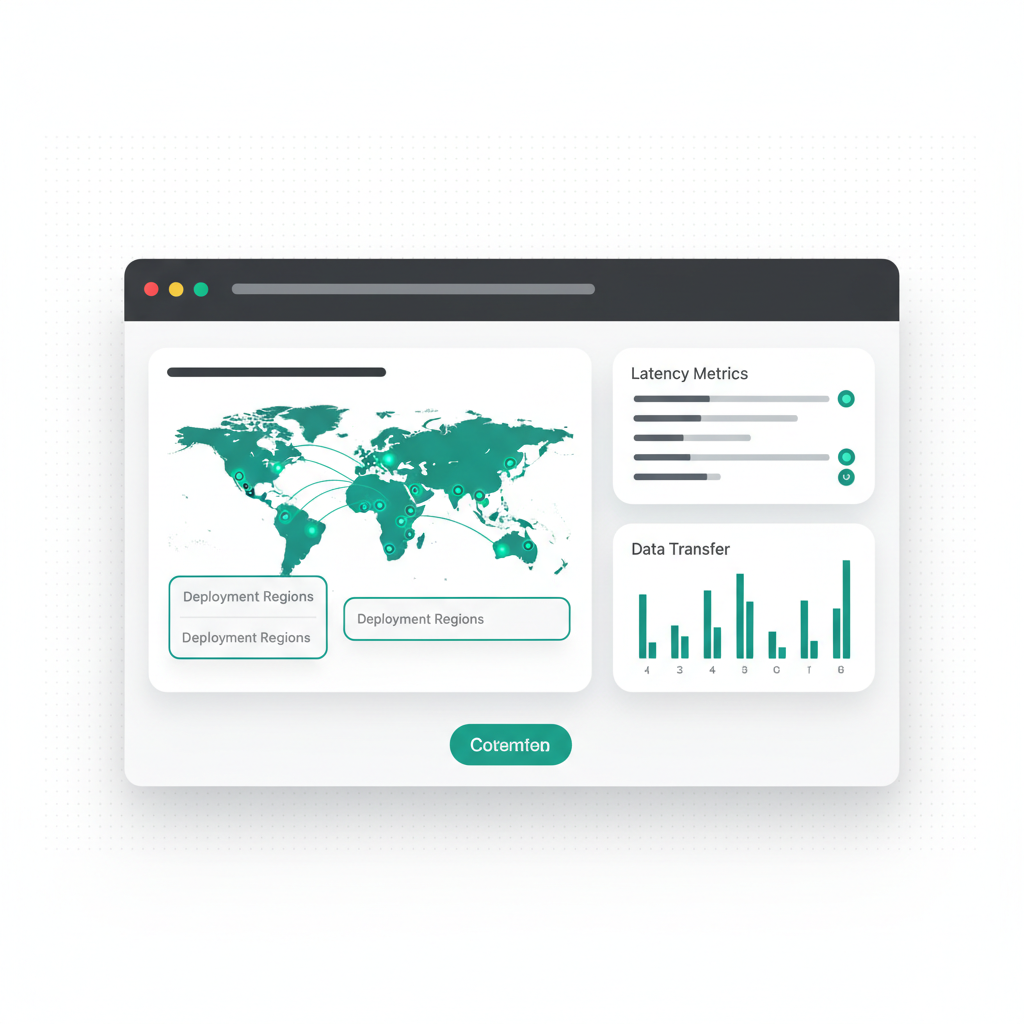
Global network. Your published app runs on Cloudflare's global network, so it is served from a location near each visitor. A user in Tokyo and a user in Sao Paulo both load it from close by, and you never pick a region.
Atomic deployments. When you redeploy, Cloudflare serves the old version until the new one is fully uploaded, then switches instantly. No half-deployed states. No downtime. This is critical for a platform where users iterate and redeploy frequently.
This fits what VULK generates for the web: React + Vite apps that build to static files. When a project has a backend, that part runs on VULK's infrastructure, as described below.
What happens, step by step, when you click Deploy?
Step 1: You click Deploy. The button is in the top toolbar, next to the preview controls. A deployment dialog opens showing build progress in real time.
Step 2: VULK builds your project on our servers. For a React + Vite app, this runs vite build, which compiles TypeScript to JavaScript, bundles all modules into optimized chunks, processes and purges Tailwind CSS, minifies everything, generates hashed filenames for cache busting, and outputs a clean dist/ directory. This happens on our infrastructure, not in your browser. Build times range from 5 to 20 seconds depending on project size.
Step 3: Publish on Cloudflare's network. The build output — static HTML, CSS, JS, and assets — is published on Cloudflare's global network, so your files are served close to every visitor.
Step 4: You get a live URL. Your project goes live at its own vulk.space address, something like workout-tracker.vulk.space. HTTPS is automatic. No configuration. No waiting.
What do you need before deploying?
Two things to verify before hitting Deploy:
Your app compiles in the preview. If the preview shows errors or a blank screen, the production build will fail too. Vite's production build is actually stricter than the dev server — it catches import errors and type issues that hot module replacement sometimes lets slide. Fix those first.
How fast are deployed apps?
I care about this because the apps people deploy from VULK represent our quality. If they are slow, that reflects on us.
VULK-generated React apps are optimized by default. Vite's build produces code-split chunks, tree-shaken bundles, and compressed assets, and Cloudflare's global network serves them from close to each visitor:
- Served near every visitor: the app is delivered from Cloudflare's global network, not from a single server in one region
- Lean bundles: code splitting, tree shaking and minification keep what the browser downloads small
- Cache behavior: Static assets get hashed filenames, so they can be cached long-term and returning visitors load them from cache
You do not need to configure any of this. The build pipeline and CDN configuration are handled automatically.
How do you connect a custom domain?
The vulk.space address works fine for testing and sharing, but for a real project you want your own domain. Custom domains are included from Builder. Here is the process:
1. Open your project in VULK and add your domain (like myapp.com or app.mydomain.com).
2. At your domain registrar or DNS provider, add the DNS record VULK shows you, so the domain points at your app.
3. VULK connects the domain to your published app and provisions the SSL certificate automatically.
4. Once the DNS change has propagated, your app answers on your own domain over HTTPS.
How does redeployment work after changes?
Development is iterative. After deploying, you will make changes — new features, bug fixes, design tweaks. Redeployment is identical to the first deploy:
- Make changes in the editor (via prompts or manual code edits).
- Verify in the preview.
- Click Deploy.
The new version replaces the previous one at the same URL. Cloudflare's atomic deployment means the switch is instant — visitors never see a half-deployed state.
The project's version history lets you open earlier versions and restore their files. After restoring, check the preview and deploy again to update the published URL.
What gets deployed, and where does it run?
Deployed: All static build output. HTML files, JavaScript bundles, CSS files, images in your public/ directory, fonts, and any other static assets.
Stays on VULK's servers: Source code. Your .tsx files, node_modules, package.json, and build configuration stay there. The deployed site contains only the compiled output.
Hosted on VULK's infrastructure: Backend APIs. If your project uses VULK's backend generation (PostgreSQL + API routes), the backend runs on VULK's infrastructure. The deployed frontend makes API calls to our servers.
How does each platform deploy?
Each platform VULK generates ships through its own path:
| Platform | Deploy path |
|---|---|
| React + Vite | One click: vite build → your-project.vulk.space |
| Three.js games | One click: same Vite pipeline → your-game.vulk.space |
| Flutter | To devices and stores: in-platform APK/AAB build, store-submission scaffolding |
| PHP / Laravel | Live microVM preview, then export source to any PHP host |
| Python (FastAPI/Flask/Django) | Live microVM preview, then export source to any Python host |
How do you troubleshoot common issues?
Build fails. The most common cause is a TypeScript or import error that the preview's dev server tolerated but Vite's production build rejects. Check the error message in the deployment dialog and ask VULK to fix it. Something like: "The deploy failed with 'Cannot find module ./components/Chart'. Fix the import — the file is ChartCard.tsx."
Blank page after deploy. Usually a base path or routing issue. Ask VULK: "The deployed app shows a blank page. Make sure the Vite base path is '/' and React Router has a route for the root path."
Broken images or fonts. Static assets need to be in the public/ directory and referenced with absolute paths starting with /. Relative paths work in development but break after deployment.
FAQ
How long does a deploy actually take?
10 to 30 seconds end to end: 5–20 seconds for the Vite production build on VULK's servers, then a few seconds to publish on Cloudflare's network with automatic SSL. Redeploys at the same URL are atomic — visitors never see a half-deployed state.
Do I pay Cloudflare anything for hosting?
No. Hosting is part of your VULK plan from Builder: the vulk.space address, Cloudflare's global network and SSL come with it, and you do not need a Cloudflare account of your own. Custom domains are included from Builder as well.
Can I deploy a full-stack app with a database?
Yes. The frontend is published to your-project.vulk.space on Cloudflare's network; the generated backend (PostgreSQL + REST API + JWT auth) runs on VULK's infrastructure and the deployed frontend calls it over HTTPS.
What does deploying cost?
See current plans and conditions on the pricing page. View VULK pricing
Can I roll back a bad deploy?
Yes. Open version history, restore the version you want, check the preview, and deploy it again. Restoring the project creates a new version; publishing it is a separate step.
I wanted deployment in VULK to feel like a non-event. You build your app, you click a button, and it is live on the internet at its own vulk.space address, on Cloudflare's global network. Deploy your first app at vulk.dev.