Updated July 18, 2026 — refreshed with the microVM architecture that now powers server-side preview at scale, including PHP and Python runtimes.
Why does server-side preview beat browser-based compilation?
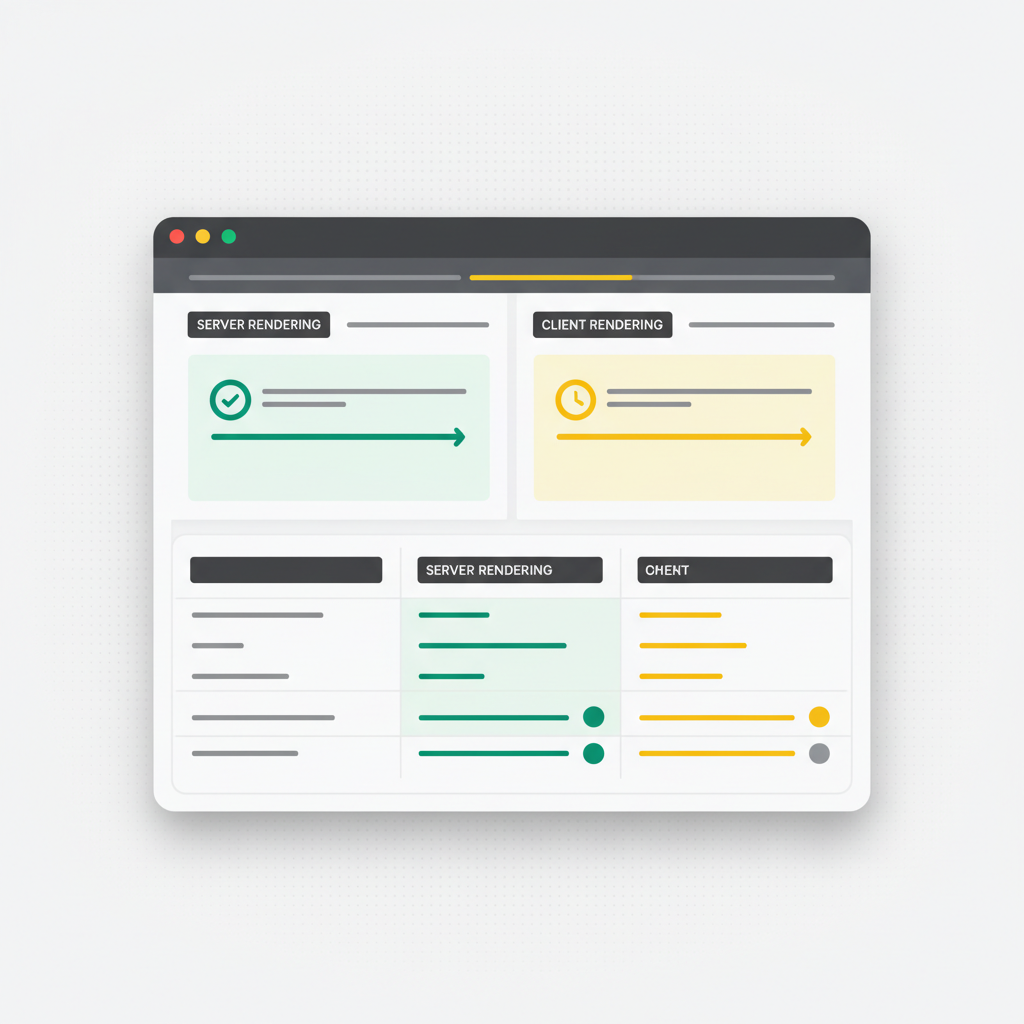
The direct answer: because a real server can run everything your app is — backend included — on every device, while a browser sandbox can only emulate part of it on some devices. Browser-based compilation (WebContainers, Sandpack) runs a miniature Node.js inside your tab: memory climbs past 500–800MB, Safari and mobile browsers are largely unsupported, some npm packages fail silently, and backend code cannot truly run. Server-side preview runs a real dev server on real infrastructure and streams the result to a lightweight iframe: the tab stays under ~100MB, any browser works, and full-stack apps run end to end.
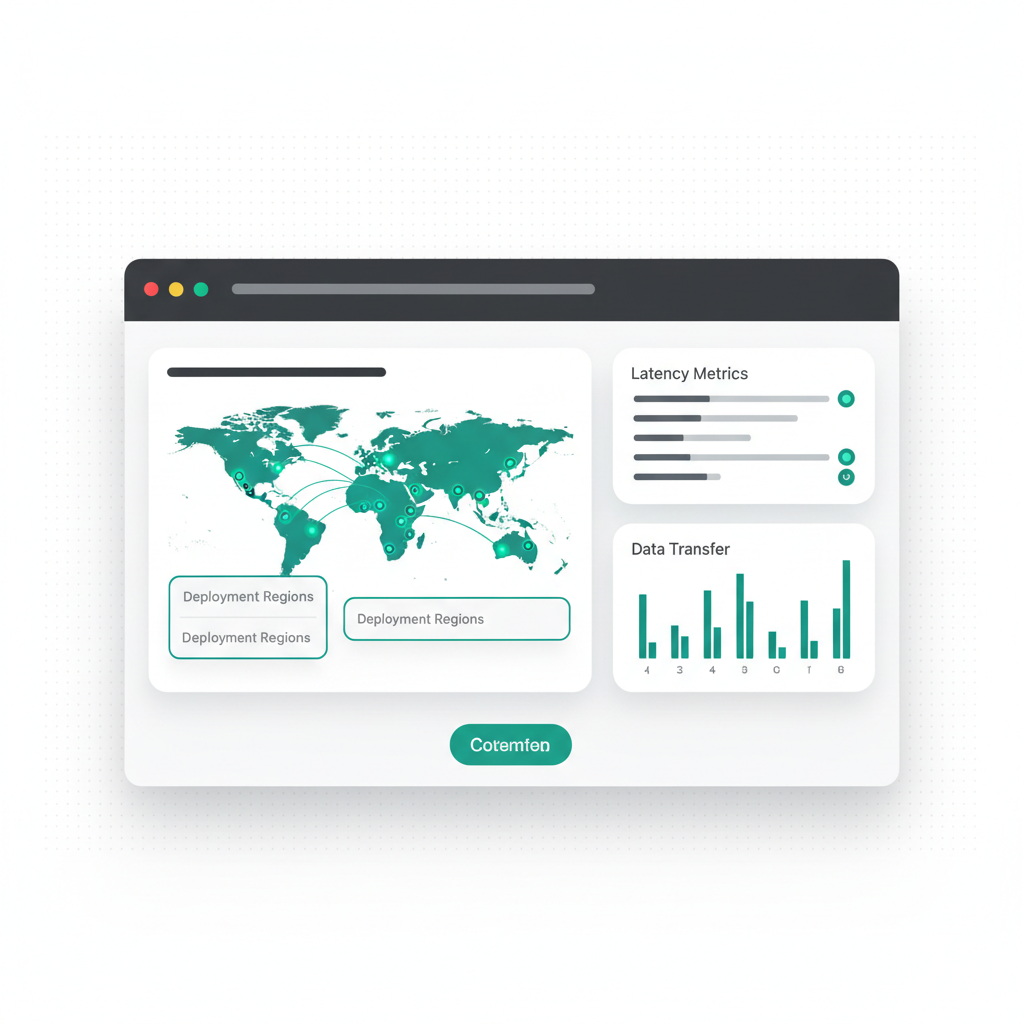
The strongest evidence is what modern platforms actually run in production. VULK's preview infrastructure executes every generated app in Firecracker microVMs — isolated virtual machines drawn from a warm pool — and in July 2026 extended the same architecture beyond JavaScript to live PHP 8.3 and Python runtimes. That breadth is structurally impossible in a browser sandbox: no WebContainer will ever run php-fpm or Django. Meanwhile 62% of AI-generated apps on the platform include a SQL schema (VULK platform data, July 2026, N = 11,355 projects) — apps whose defining functionality a browser sandbox cannot execute at all.
How does browser-based compilation work — and where does it break?
Browser-based compilation runs a miniature Node.js environment inside your web browser. Technologies like WebContainers create a virtual file system and execution environment that can install npm packages, run Vite or Webpack, and serve the compiled output — all within a single browser tab.
The appeal is obvious: no server infrastructure needed, instant startup, everything local. But the approach has structural limits. It consumes large amounts of browser memory, often exceeding 500MB for moderately complex projects. It does not work reliably on Safari or most mobile browsers, because it depends on APIs like SharedArrayBuffer and cross-origin isolation. Compilation in a constrained environment makes cold starts slow. Certain npm packages — anything with native modules — simply do not work. And backend processes (a real database, php-fpm, a Python server) are out of reach entirely.
How does server-side preview work?
Your code is sent to a remote server that runs a real development server with full OS support. The compiled output is served back to your browser through a lightweight iframe or proxy connection. Hot Module Replacement (HMR) works natively because there is a real Vite process maintaining its module graph in memory.
The modern implementation adds isolation: on VULK, each preview runs in a Firecracker microVM — the same virtualization technology behind AWS Lambda — with its own kernel, filesystem, and network. A warm pool of pre-booted VMs makes attachment near-instant; idle previews are suspended and resumed on demand. One user's infinite loop cannot touch another user's preview, which matters when thousands of AI-generated (and occasionally broken) apps run side by side.
The browser only needs to render the final HTML, CSS, and JavaScript — the same thing it does when visiting any website. Memory stays low, compatibility issues disappear, and compilation is handled by a machine optimized for that workload.
What do the numbers look like side by side?
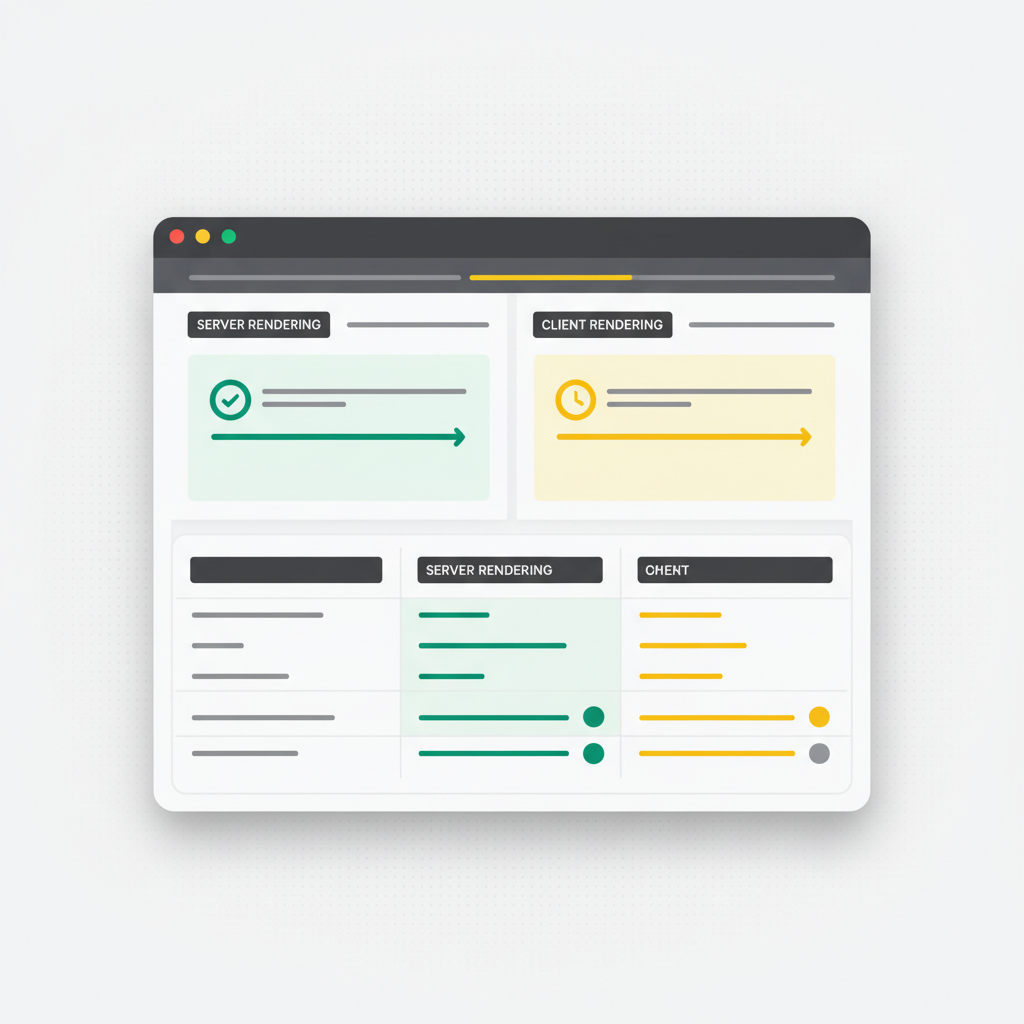
| Dimension | Browser-based (WebContainers) | Server-side (microVM) |
|---|---|---|
| Cold start (typical React + Tailwind app) | 8–12s | 2–3s with warm caches |
| Tab memory footprint | 500–800MB+ | Under ~100MB |
| Safari / mobile browser support | Limited to none | Works everywhere |
| Backend execution (DB, APIs, auth) | No — mocked or skipped | Yes — full stack runs |
| Non-JS runtimes (PHP, Python) | Impossible | Live (php-fpm 8.3, uvicorn/Django/Streamlit) |
| npm package compatibility | Partial (no native modules) | Full |
| Isolation | Shared browser process | Hardware-level per-VM |
| Infrastructure cost | None | Real servers required |
HMR updates are fast in both models, but server-side is more consistent because the Vite process keeps its module graph warm regardless of what your device is doing.
Why does device compatibility decide the argument?
This is where server-side preview becomes essential rather than just preferable. WebContainers require browser APIs that are not available in all environments; Safari support is limited, and mobile browsers generally cannot run them at all.
Server-side preview works everywhere. If your device can render a webpage, it can display the preview. You can review and share work on phones, tablets, and any browser — and a developer on a budget Chromebook gets exactly the same preview performance as one on a high-end MacBook, because the heavy work happens on the server.
When does browser-based compilation still make sense?
Browser-based compilation is not without merit. For single-file experiments, educational sandboxes, and embedded code playgrounds, the zero-infrastructure requirement is genuinely valuable. If you are building a quick frontend-only prototype and never need mobile review or a backend, WebContainers work fine.
But for anything beyond trivial complexity — multi-file projects, full-stack apps, non-JavaScript stacks, mobile review, or consistent team performance — server-side preview is the better choice. The dividing line is simple: the moment your app has a backend or your reviewer has a phone, the browser sandbox is out.
Where is the industry heading?
The shift toward server-side preview reflects a broader trend: moving computation to where it is most efficient. Browsers are excellent at rendering interfaces. Servers are excellent at compiling and running code. Using each for what it does best produces a faster, more reliable development experience.
The AI generation wave accelerates this. When apps are generated in seconds — the median VULK builder ships a first app 47 seconds after signup (VULK platform data, July 2026) — the preview becomes part of the verification loop, not just a convenience: VULK's render gate loads the server-side preview in a real Chromium instance and fails generations that render blank. You can only build that kind of automated verification on infrastructure you control.
FAQ
Is server-side preview slower because of the network round-trip?
No — the opposite in practice. The round-trip adds milliseconds; browser-based compilation adds seconds of cold start and hundreds of MB of memory pressure. With warm caches, a server-side preview of a typical React app is live in 2–3 seconds versus 8–12 in a WebContainer.
Can browser-based sandboxes run a database or a real API?
Not truthfully. They emulate Node.js in a Service Worker; a real PostgreSQL server, php-fpm, or a Python process cannot run there. Server-side previews run the full stack — which matters because 62% of AI-generated apps on VULK include a SQL schema (VULK platform data, July 2026).
How is one user's preview isolated from another's on a shared server?
Modern implementations use microVMs rather than shared containers. VULK runs each preview in a Firecracker microVM with its own kernel — hardware-level isolation, automatic recycling of crashed VMs, and suspend/resume for idle projects.
Which languages can a server-side preview support?
Any language the server can run. VULK previews React + Vite and Three.js (with HMR), Flutter (build-then-serve), and — since July 2026 — PHP/Laravel and Python (FastAPI, Flask, Django, Streamlit) in dedicated microVM runtimes. Browser sandboxes are limited to the JavaScript ecosystem by construction.
Does the preview match production behavior?
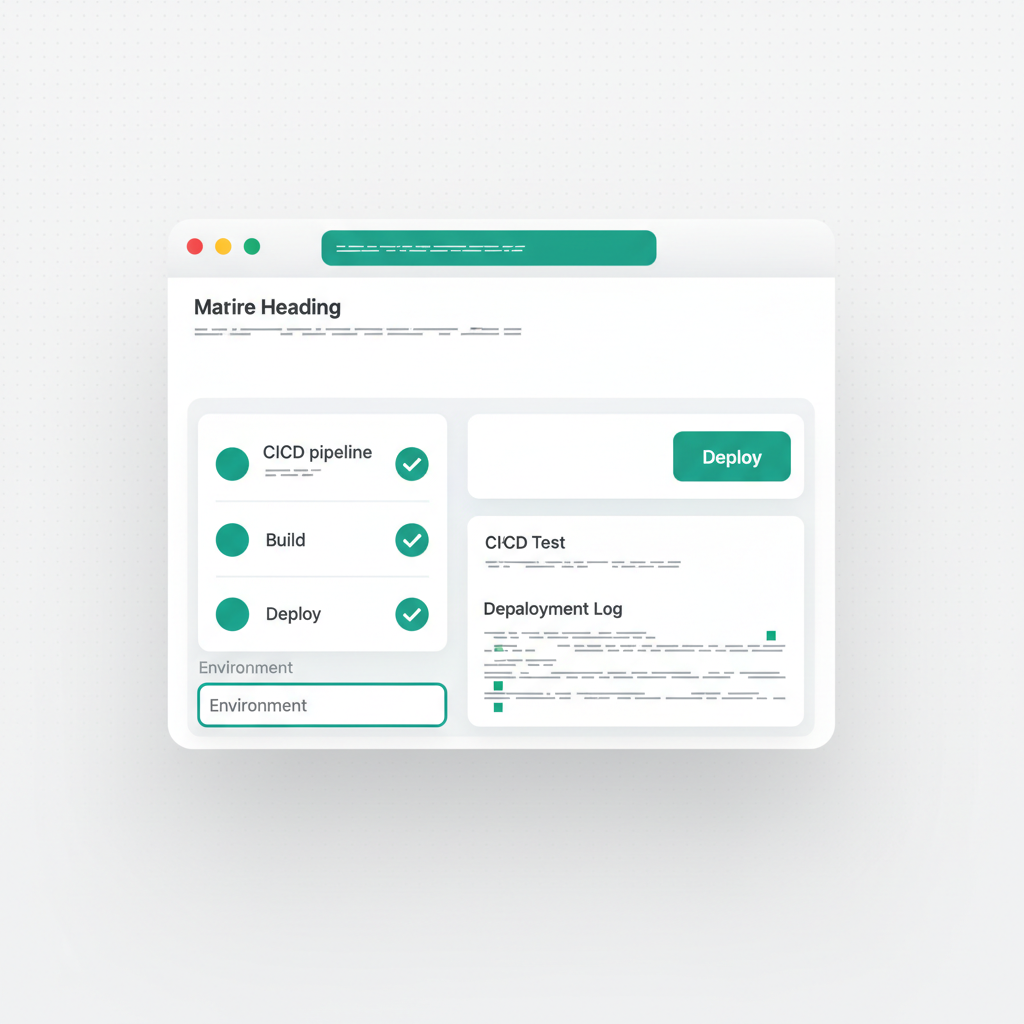
Closely — because it is the same code on a real server, not an emulation. On VULK, the deploy pipeline builds the exact code you previewed and ships it to Cloudflare Pages; the preview-to-production gap is minification and asset optimization, not behavior.
For teams building real applications that need to work across devices and browsers, server-side preview is no longer optional. It is the standard. See it running at vulk.dev.