What Is VULK?
VULK is an AI-powered application builder. You describe what you want in plain language — a SaaS dashboard, an e-commerce store, a portfolio site, a browser game — and VULK generates the full codebase, renders a live preview, and deploys it to a production URL.
It is not a code snippet generator. It is not a template library. VULK produces complete, deployable applications with real frontend code, backend logic, database schemas, and authentication — from a single conversation.
The platform is live at vulk.dev.
How It Works
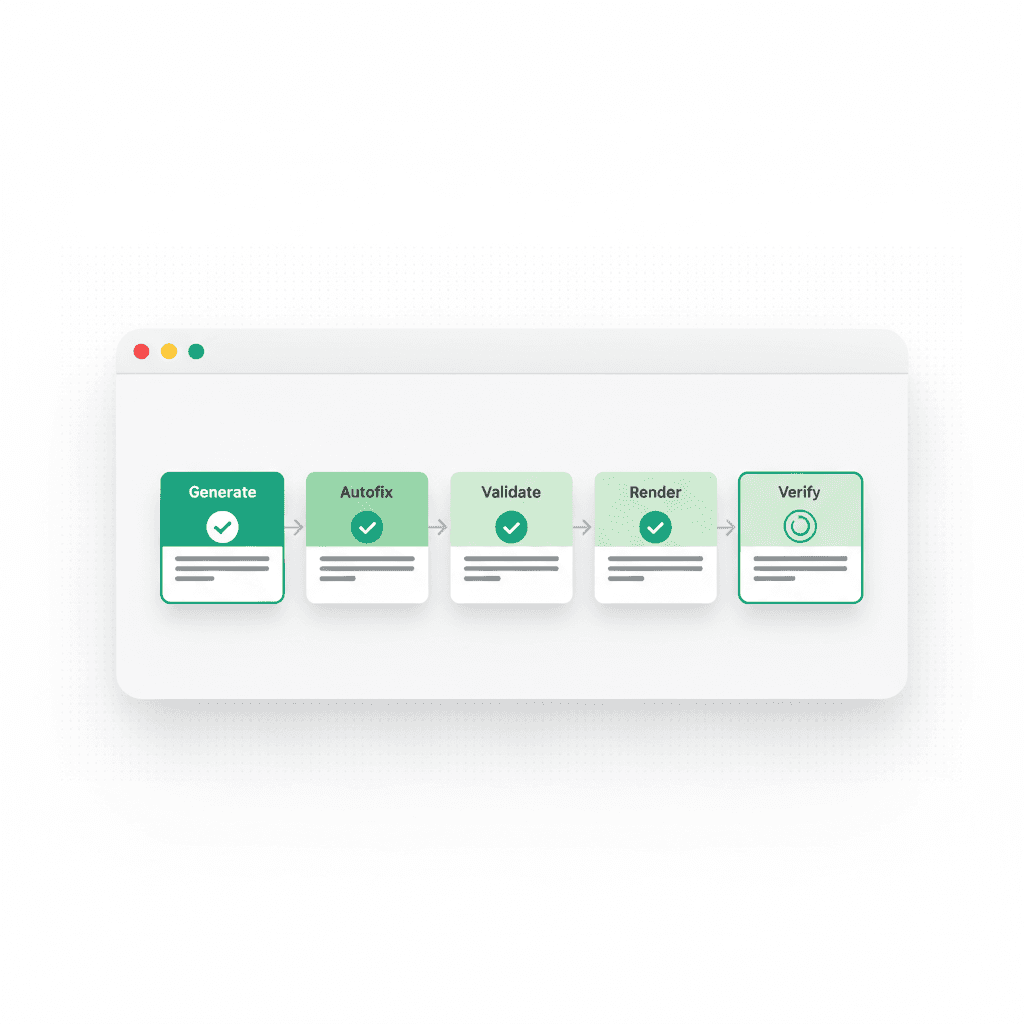
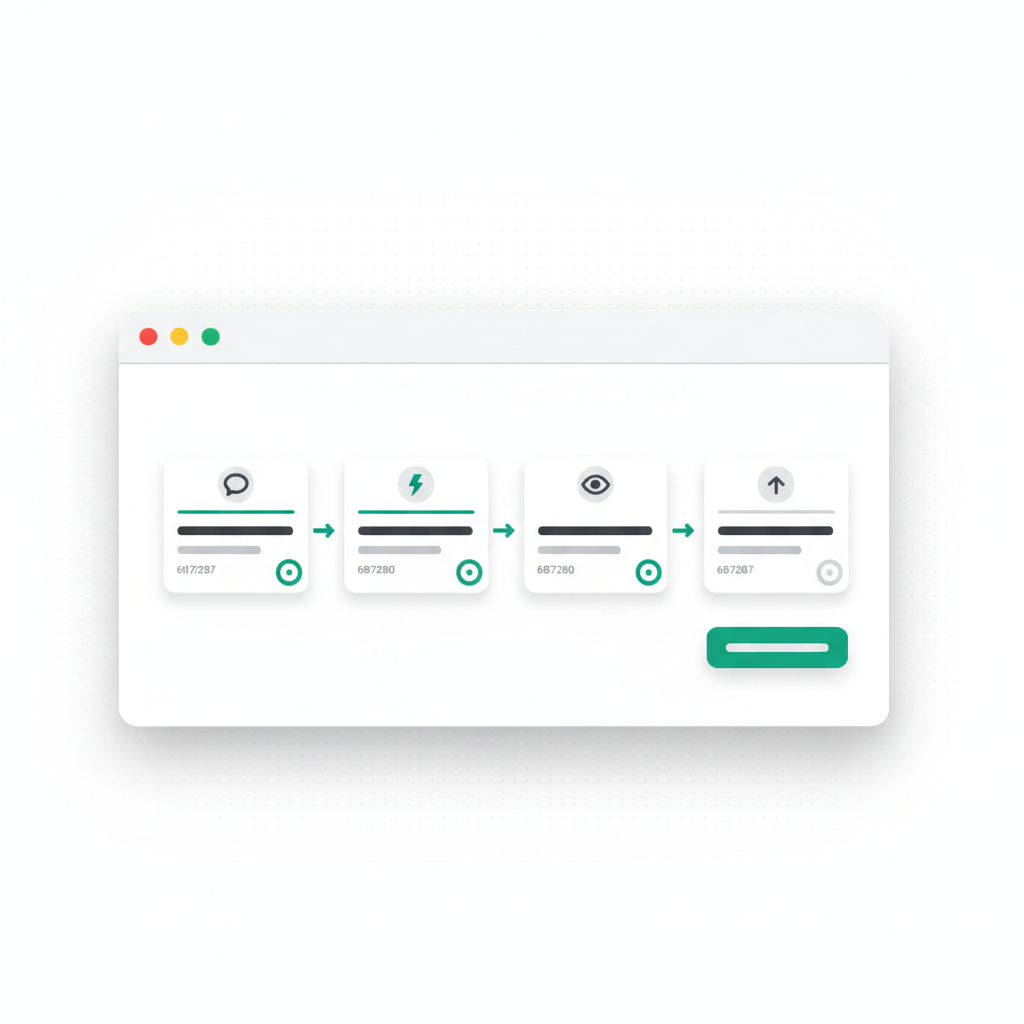
The generation pipeline has four stages: intent analysis, planning, code generation, and verified deployment.
1. Intent Analysis
When you enter a prompt, VULK's AI analyzes what you are building. It identifies the project type (web app, mobile app, Shopify theme, game), the required technology stack, the complexity level, and which design patterns to apply.
For example, "Build a project management tool with Kanban boards, team assignments, and deadline tracking" triggers the SaaS pipeline with database backend generation, authentication scaffolding, and a dashboard layout.
2. Planning
Before writing any code, the AI produces a structured plan:
Plan: Project Management Tool
├── Step 1: Database schema (projects, tasks, users, assignments)
├── Step 2: Authentication and user management
├── Step 3: Dashboard layout with sidebar navigation
├── Step 4: Kanban board with drag-and-drop columns
├── Step 5: Task detail modal with assignment and deadlines
├── Step 6: Team overview page with member roles
└── Step 7: Notification system for deadline alerts
Each step maps to specific files. You can review, reorder, or remove steps before generation begins.
3. Code Generation
VULK generates files one at a time, streaming the output in real time. You see each file as it is written — components, API routes, database migrations, configuration files, styles. The generation uses your selected AI model (Claude Sonnet 5.5, Claude Opus 5.5, GPT-6.1 Sol, Gemini, DeepSeek, Kimi, or any of the 24 models on your plan).
The code follows established conventions: functional React components with TypeScript, Tailwind CSS for styling, Prisma for database access, proper error handling, and responsive design by default.
4. Verified Deployment
Once generation completes, VULK compiles the project, runs validation checks, and renders a live preview. The preview is server-side — it works on every browser and device, including Safari and mobile. What you see is exactly what gets deployed.
One click publishes your app on Cloudflare's global network with a live URL (yourproject.vulk.space). Custom domains with automatic SSL are available on paid plans.
Eight Generation Pipelines
VULK goes well beyond React web apps: the platform supports eight dedicated generation pipelines, each optimized for its target:
| Pipeline | Stack | Output |
|---|---|---|
| Web Apps | React + Vite + Tailwind + TypeScript | SPA with routing, state management |
| Full-Stack | React + PostgreSQL + Prisma + API routes | Frontend + backend + database |
| Flutter Mobile | Dart + Flutter + Material 3 | APK and iOS builds |
| React Native | TypeScript + Expo + React Navigation | Cross-platform mobile apps |
| Shopify Themes | Liquid + Online Store 2.0 + Section schemas | Production-ready Shopify themes |
| Shopify Apps | Remix + Shopify App Bridge + Polaris | Embedded Shopify applications |
| PHP / Laravel | PHP + Laravel + Eloquent + Blade | Traditional server-rendered apps |
| Browser Games | Three.js + Canvas + WebGL | 2D and 3D browser games |
Each pipeline includes framework-specific knowledge: correct project structure, idiomatic patterns, proper asset handling, and platform-specific deployment targets.
The Editor
The editor is where you interact with your project after initial generation. It combines a chat interface with a file explorer, live preview, and deployment controls.
Conversational editing lets you describe changes in natural language: "Add a dark mode toggle to the header," "Replace the pricing table with a comparison slider," or "Add email notifications when a task deadline passes." VULK identifies which files need to change, generates the edits, and updates the preview.
File management gives you direct access to every generated file. Read, edit, rename, or delete files. The file tree updates in real time as the AI generates.
Live preview renders your application server-side as you make changes. No waiting for builds — edits appear within seconds.
Who Is VULK For?
Founders and product managers who need to validate ideas quickly. Describe your product, get a working prototype, deploy it, and share it with potential users — all in the same session.
Developers who want to skip boilerplate. Instead of spending hours on project setup, authentication plumbing, and layout scaffolding, start with a working application and refine from there.
Designers who want to see their concepts as real, interactive applications. Paste a Figma URL or describe a design, and VULK generates the implementation.
Agencies that need to deliver client projects faster. Generate initial builds from client briefs, iterate based on feedback, deploy to custom domains.
Students and learners who want to understand how full-stack applications are structured. Every generated file is readable, well-organized code — not a black box.
Pricing
See current plans and conditions on the pricing page. View VULK pricing
Builder includes every model (Claude Sonnet 5.5, Claude Opus 5.5, GPT-6.1 Sol, GPT-6 Astra, Claude Fable 5.1, Gemini, DeepSeek and Kimi), source export as ZIP or to GitHub, custom domains, backend generation, AI images, AI video, 3D websites with GLB models and five signed Android APK builds a month. Pro adds 2,500 credits instead of 1,000, unlimited Android builds, App Store plus Play Store publishing, three parallel builds and priority support. Team, Max, and Business add shared workspaces, higher credits, privacy controls, and support tiers.
What Makes VULK Different
Three things distinguish VULK from other AI builders:
Multi-platform generation. Most AI builders produce React web apps. VULK generates across 8 platforms — web, mobile (Flutter and React Native), Shopify, PHP, and browser games — each with a dedicated, optimized pipeline.
Backends with a database, sign-in and API. VULK generates real databases with Prisma ORM, REST API endpoints, authentication, and server-side logic. Not a wrapper around a third-party service — backend code that you own and can deploy anywhere.
Model flexibility. Choose from 24 AI models. Use Claude for complex architecture, GPT-6.1 Sol for fast iteration, DeepSeek for cost efficiency, or Gemini Flash for speed. Different models for different tasks, in the same project.
Getting Started
Go to vulk.dev, create an account, and describe what you want to build. Your first application can be live in minutes.
Documentation and guides are available at support.vulk.dev.