Why I refused to lock users into one model
A lot of AI code builders pick a model for you and leave you there. You get whatever they settled on, and you work around its blind spots. The problem is simple: no single model is the best at everything. A model that writes clean React components might produce sloppy database schemas. A model that handles complex backend logic might generate verbose, over-engineered frontends.
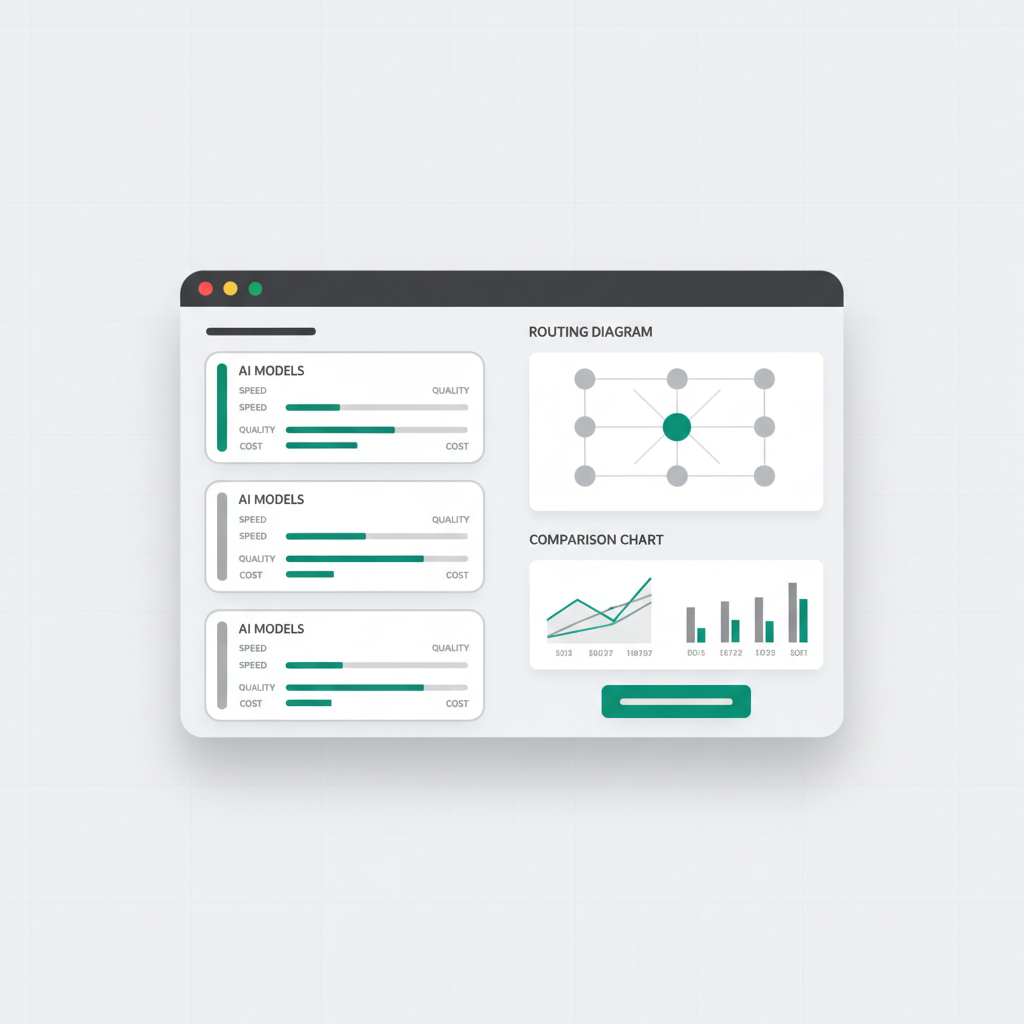
So VULK has 24 models, from Anthropic, OpenAI, Google, DeepSeek, Moonshot (Kimi) and Z.ai (GLM). You pick the model per generation, or per message. This is not a gimmick — it is a practical tool that directly affects the quality, speed, and cost of what you build.
It also keeps you independent of any one provider. When a new model ships, it can join the catalogue. When a provider has an outage, you switch to another model and keep working. The AI landscape moves too fast to bet everything on one company.
The 24 models, grouped by the job they do
Every model in the picker carries a one-line note on what it is for. Here is the whole catalogue, grouped by those notes.
Premium reasoning for demanding projects and 3D — GPT-6.1 Sol, GPT-6.1 Sol Pro and GPT-6 Astra (OpenAI), plus GPT-6 Astra Pro, which adds pro reasoning for complex projects. This is the group I reach for when a project is big, has a lot of moving parts, or is built around a 3D scene.
Frontier quality for production apps — Claude Opus 5.5 and Claude Opus 5 (Anthropic). When an app is heading to real users and I want the most careful pass over it, this is where I go.
Premium and deep reasoning — Claude Fable 5.1, for demanding projects, and Claude Fable 5, for the hardest builds (Anthropic). These are for problems that need thinking through: a subtle bug, a tangled state model, a refactor that touches everything.
Strong code quality for complex apps — Claude Sonnet 5 and Claude Sonnet 5.5 (Anthropic). My usual starting point for a full-stack app with real business logic, auth and a database.
Long-context reasoning and refactors — Kimi K3 (Moonshot) and GLM 5.3 Prime (Z.ai). For when the project has grown and a change has to read a lot of existing code before it touches anything.
Everyday coding — GPT-5.6 Sol, the standard model for complete projects; GPT-5.6 Terra Pro, for serious everyday coding at a mid price; and GPT-5.6 Sol Pro, for multi-step builds (OpenAI).
Quick iterations with a large context — Gemini 3.8 Flash and Gemini 3.7 Flash (Google), and GLM 5.3 FlashX (Z.ai). Fast turnaround while you are trying ideas.
Open-weight value with a 1M context — DeepSeek V4.1 Flash and DeepSeek V4 Pro. Open-weight models with room for a lot of code in context, at a low cost.
Fast and inexpensive for focused edits — GPT-6 Luna, GPT-6 Luna Pro and GPT-5.6 Luna (OpenAI), and Claude Haiku 5.5 (Anthropic). For the small changes: a label, a color, a spacing fix. There is no reason to spend a premium model on those.
If you would rather not choose, leave the picker on Auto and VULK picks a model for your prompt.
Which models come with which plan
See current plans and conditions on the pricing page. View VULK pricing
How model choice shows up in your code
The differences are not abstract. They show up in what gets generated, and these are the things I look at when I put two models on the same prompt:
Architecture and structure. Are utility functions, types and hooks split into their own files, or is everything packed into a few large ones? Both work, but one needs far less refactoring as the project grows.
Error handling. Does the first generation already have loading states, error boundaries and edge cases, or only the happy path?
Visual design. Good spacing, typography and color relationships out of the box, or functional first and polished in a follow-up prompt?
Backend code. A password_hash column (not password), parameterized SQL queries, validation on every write, and auth middleware. Security shortcuts here cost the most later.
Cost. A Max-tier model on every message adds up. A fast, inexpensive model for small edits keeps your credits for the work that needs them.
Because you can switch per message, the quickest way to settle it for your project is to try: run the same prompt on two models and compare what comes back.
My practical recommendations
Here is the decision framework I actually use:
"I need a production-quality full-stack app." Start with Claude Sonnet 5.5, Builder's default. Claude Opus 5.5, also on Builder, is built for exactly this: frontier quality for production apps.
"I am building something demanding, or in 3D." Use GPT-6.1 Sol or GPT-6 Astra. Both are there for premium reasoning on demanding projects and 3D.
"I am iterating fast on small changes." Use GPT-6 Luna or Claude Haiku 5.5. They are fast and inexpensive, which is what focused edits need.
"I am trying ideas quickly." Use Gemini 3.8 Flash. Quick iterations, with a large context that keeps the whole project in view.
"My project has grown and I need a refactor." Use Kimi K3 or GLM 5.3 Prime for long-context reasoning, or DeepSeek V4 Pro when you want a 1M context at a low cost.
"I am stuck on the hardest part." Use Claude Fable 5.1 or Claude Fable 5. Deep reasoning is what they are for.
"I am building something simple or learning." Use GPT-5.6 Sol or DeepSeek V4.1 Flash. They handle complete projects at a modest cost, and your credits last longer.
"I am building a game." Start with GPT-6.1 Sol for the initial generation (Three.js games have a lot of interconnected systems), then switch to a fast model like GPT-6 Luna for quick tweaks.
Switching models mid-project
This is a workflow most people do not realize is possible, and it is one of the most useful things in VULK.
- Generate the initial app with Claude Sonnet 5.5 (strong code quality).
- Switch to Gemini 3.8 Flash for rapid UI iterations (quick, large context).
- Switch to GPT-6 Luna for small tweaks (fast and inexpensive).
- Switch back to Claude Sonnet 5.5, or to Claude Opus 5.5, for the backend and auth.
Each message is independent. The model reads the existing code and your new prompt, then generates changes. It does not need to be the same model that wrote the original code. Use the premium models where quality matters and the inexpensive ones where it does not.
Model selection and your prompt
Your prompt matters with every model. The fundamentals apply: be specific, describe the layout, list features, specify the data model. The model sets the quality ceiling, but your prompt decides how close you get to it.
More expensive does not always mean better for your specific task. Claude Opus 5.5 sits in the Max tier, but for a simple landing page GPT-6 Luna produces perfectly good results at a fraction of the cost. Match the model to the task, not to your aspirations.
Why this matters long-term
The model landscape changes fast. New models launch all the time, existing ones improve, pricing shifts. VULK's catalogue moves with it: the 24 models in it today are all newer than the ones I wrote about when this post first went up. The multi-model approach means you are never locked into a model that becomes outdated — you switch to the next one without changing platforms.
This is why I built model selection as a core feature, not an afterthought. The right model for your project today might not be the right one six months from now. You should never have to switch platforms to get better AI. See all 24 models at vulk.dev.