Updated July 18, 2026 — expanded with a decision table and current platform data on what AI-generated apps actually use.
PostgreSQL or SQLite — which should you choose?
The direct answer: choose PostgreSQL when multiple users write data concurrently — SaaS apps, e-commerce, anything with user accounts — and choose SQLite when a single process owns the data: mobile apps, desktop software, embedded systems, edge runtimes, and prototypes. PostgreSQL is a full client-server database built for concurrent access at scale; SQLite is an embedded library that stores everything in one file. Neither is "better" — they solve different problems, and picking by requirement instead of habit prevents both scaling headaches and unnecessary complexity.
This decision is no longer academic, because most new apps now ship with a database from day one: 62% of all apps generated on VULK include a SQL schema, and 27% get a provisioned backend with a hosted database — SQL is the #3 most-generated file type on the platform at 6.1% of 124,755 files (VULK platform data, July 2026, N = 11,355 projects). VULK's own answer to this question, for what it is worth: generated production backends run PostgreSQL, because multi-user web apps are the common case.
How do their architectures differ?
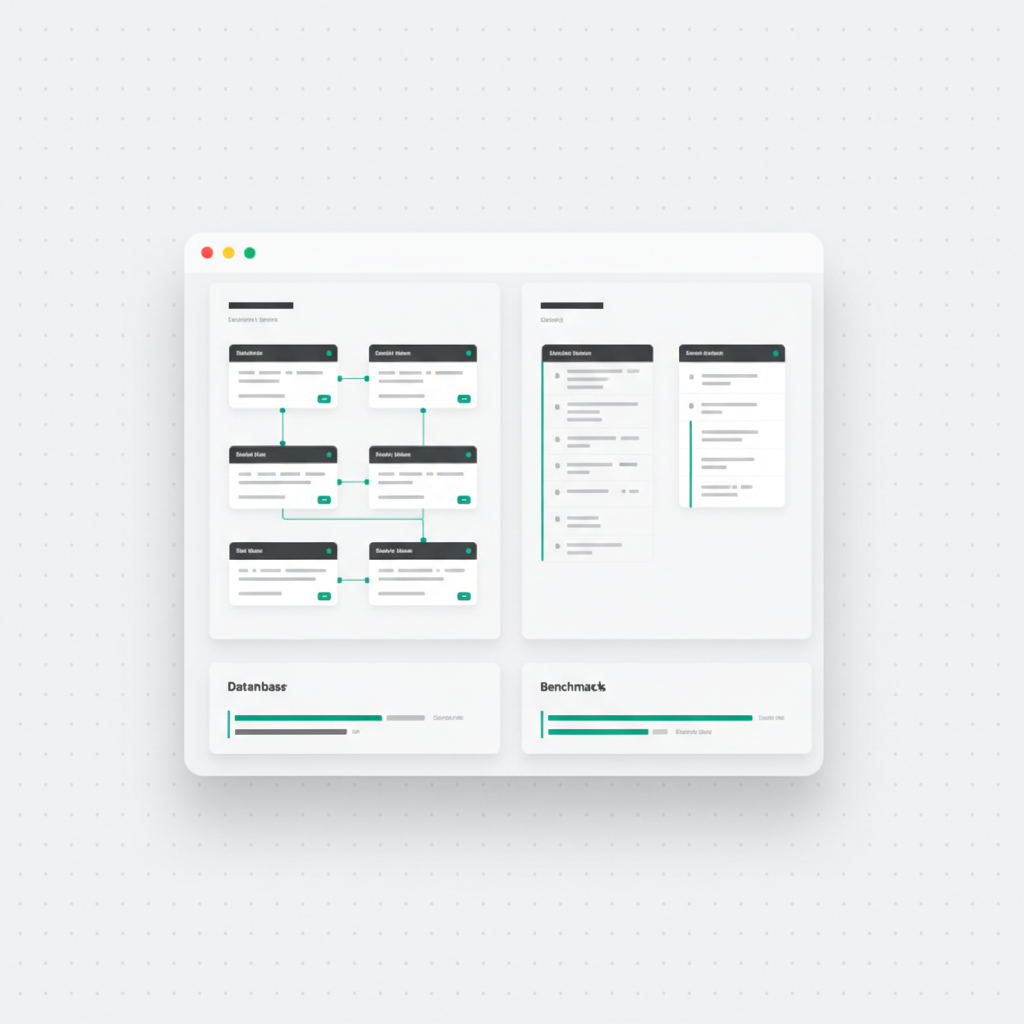
PostgreSQL runs as a separate server process that client applications connect to over a network. It manages its own memory, handles concurrent connections, and provides advanced features like full-text search, JSON operations, window functions, and sophisticated query planning. It supports multiple simultaneous readers and writers with MVCC (Multi-Version Concurrency Control).
SQLite runs as a library embedded directly in your application process. There is no separate server, no network connection, and no configuration. The entire database lives in a single file on disk. This makes SQLite incredibly simple to deploy and manage, but it means write concurrency is limited — only one writer can operate at a time.
| PostgreSQL | SQLite | |
|---|---|---|
| Model | Client-server process | Embedded library, single file |
| Concurrent writers | Thousands (MVCC) | One at a time |
| Setup | Server or managed service | None — a file path |
| Typing | Strict column types | Dynamic typing |
| Advanced features | Full-text search, PostGIS, window functions, rich indexing | Lean, core SQL |
| Backup | pg_dump / streaming replication | Copy the file |
| Sweet spot | Multi-user web apps, SaaS, e-commerce | Mobile, desktop, IoT, edge, prototypes |
When should you choose PostgreSQL?
PostgreSQL is the right choice when your application needs concurrent write access from multiple users, when your dataset will grow to millions or billions of rows, or when you need advanced features like full-text search, geographic queries (PostGIS), or complex analytical queries.
Most SaaS applications, e-commerce platforms, and multi-user web applications should use PostgreSQL. If your app has user accounts and multiple people might update data simultaneously, PostgreSQL's concurrency model is essential. Its query optimizer handles complex joins and aggregations efficiently, and its indexing options (B-tree, GIN, GiST, BRIN) cover a wide range of access patterns.
The app categories people actually generate confirm how common this case is: dashboards and admin panels are the #1 category at 12.5% of all AI-generated apps, with e-commerce and booking systems close behind (VULK platform data, July 2026) — all multi-user, all concurrent-write, all PostgreSQL-shaped.
When should you choose SQLite?
SQLite excels in scenarios where simplicity and portability matter more than concurrent access. Mobile applications, desktop software, IoT devices, and single-user applications are SQLite's sweet spot. Edge computing platforms like Cloudflare D1 use SQLite because each database can be replicated as a single file across global data centers.
For prototyping and development, SQLite is also valuable because there is nothing to install or configure. Start building immediately and migrate to PostgreSQL when your application needs it. Many AI-generated applications begin with SQLite for rapid prototyping and graduate to PostgreSQL when they add multi-user features.
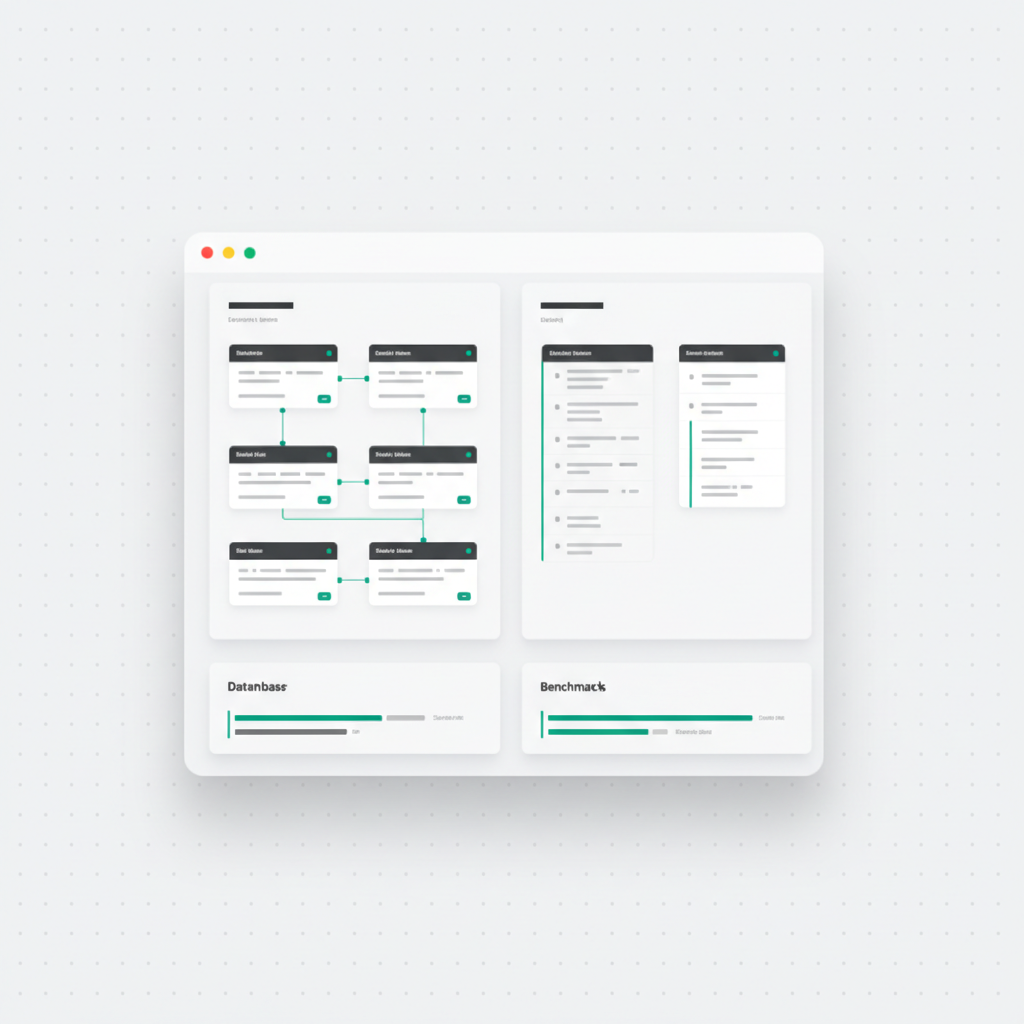
How do they compare on performance?
For read-heavy workloads with a single user, SQLite is often faster than PostgreSQL because there is no network overhead and no inter-process communication. A simple SELECT query against SQLite returns results in microseconds.
For concurrent workloads, PostgreSQL dramatically outperforms SQLite. While SQLite serializes all writes through a single lock, PostgreSQL handles thousands of concurrent readers and writers efficiently. The performance gap widens as concurrency increases.
For complex queries involving multiple joins, subqueries, and aggregations, PostgreSQL's sophisticated query planner and optimizer often produce significantly faster execution plans than SQLite's simpler planner.
What should you consider before migrating from SQLite to PostgreSQL?
- Schema compatibility: Both use SQL, but PostgreSQL supports more data types and constraints than SQLite
- Data types: SQLite uses dynamic typing; PostgreSQL enforces strict column types — sloppy typing that SQLite tolerated will surface as errors
- Concurrent access: Moving from SQLite to PostgreSQL is common when adding multi-user support
- Hosting: PostgreSQL requires a server (or managed service like AWS RDS); SQLite needs only a file path
- Backup: SQLite backups are as simple as copying a file; PostgreSQL uses pg_dump or streaming replication
Can you use both at once?
Yes — some applications use both databases strategically. The main application data lives in PostgreSQL for concurrent access and advanced queries. Per-user or per-project data lives in SQLite instances for isolation and portability. This pattern appears in platforms that generate isolated databases for each user's project, combining the strengths of both engines.
What do AI app builders choose for you?
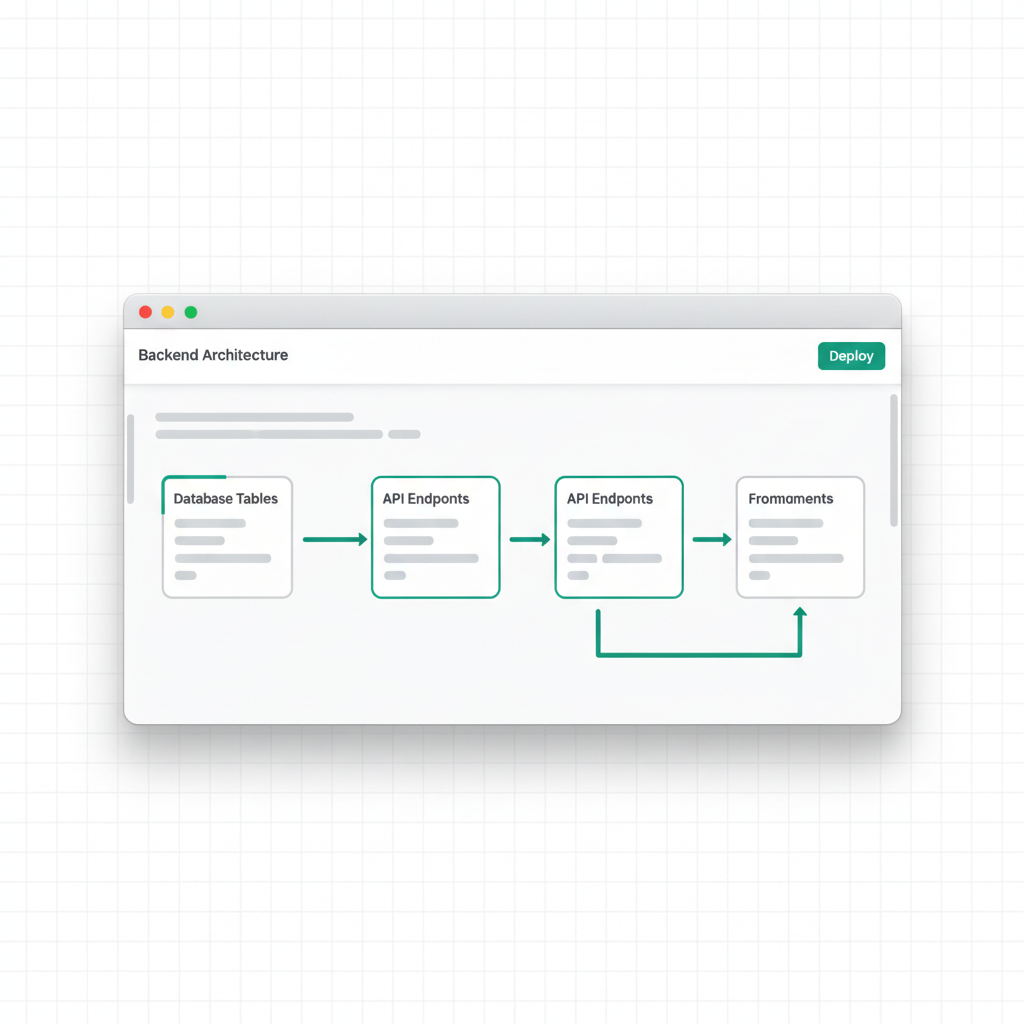
Worth knowing when you generate instead of hand-build: when a VULK prompt describes accounts, saved data, or APIs, the platform generates a complete relational schema — tables, foreign keys, indexes, password_hash columns — and provisions a PostgreSQL backend with REST endpoints and JWT auth, deployed on VULK's infrastructure (Builder plan and up). The reasoning mirrors this guide: generated apps are overwhelmingly multi-user web applications, which is PostgreSQL's home turf. The generated schema.sql ships in your source export, and the editor's Backend panel gives you a table browser, SQL query runner, and full-table CSV export — so choosing the managed default never locks your data in.
FAQ
Is PostgreSQL overkill for a small app?
Not if the app is multi-user — concurrency is about correctness, not scale. Two users saving simultaneously is already a concurrent-write workload. SQLite is the simpler choice only when a single process owns the data, like a mobile or desktop app.
Can SQLite handle production traffic?
Yes, for the right shape of production: read-heavy sites, embedded devices, and edge platforms (Cloudflare D1 is SQLite) run SQLite in production successfully. The hard limit is write concurrency — one writer at a time — which multi-user web apps hit quickly.
How hard is migrating from SQLite to PostgreSQL later?
Mechanically straightforward (both speak SQL; tools automate the transfer), with two real gotchas: PostgreSQL's strict typing rejects data SQLite's dynamic typing tolerated, and app code that assumed single-writer semantics may need transaction-level review. Budget a day, not a month, for a typical small app.
What do most AI-generated apps actually use?
On VULK: 62% of generated apps include a SQL schema and 27% run a provisioned backend — and those provisioned backends are PostgreSQL, chosen because generated apps skew heavily toward multi-user categories like dashboards (12.5%, the #1 category), e-commerce, and booking systems (VULK platform data, July 2026).
Do I have to manage the database myself if VULK generates it?
No. The backend + PostgreSQL deployment is managed on VULK's infrastructure from the Builder plan ($19.99/mo) up — no connection strings or server admin. You keep full access to your data: table browser, SQL runner, per-table CSV export, and schema.sql in the source ZIP. VULK is paid-only, with a 3-day intro from $3.99.
The best developers understand both engines and choose based on the application's actual needs rather than habit. If you would rather describe the app and have the schema, indexes, and backend generated for you, start at vulk.dev.